September 2, 2026 · Updated November 3, 2026
Seedance prompts that work: a simple guide
Seedance prompts made simple: a five part recipe, starter prompts, how to use reference pictures with @Image1, and how to write for 30 second clips.
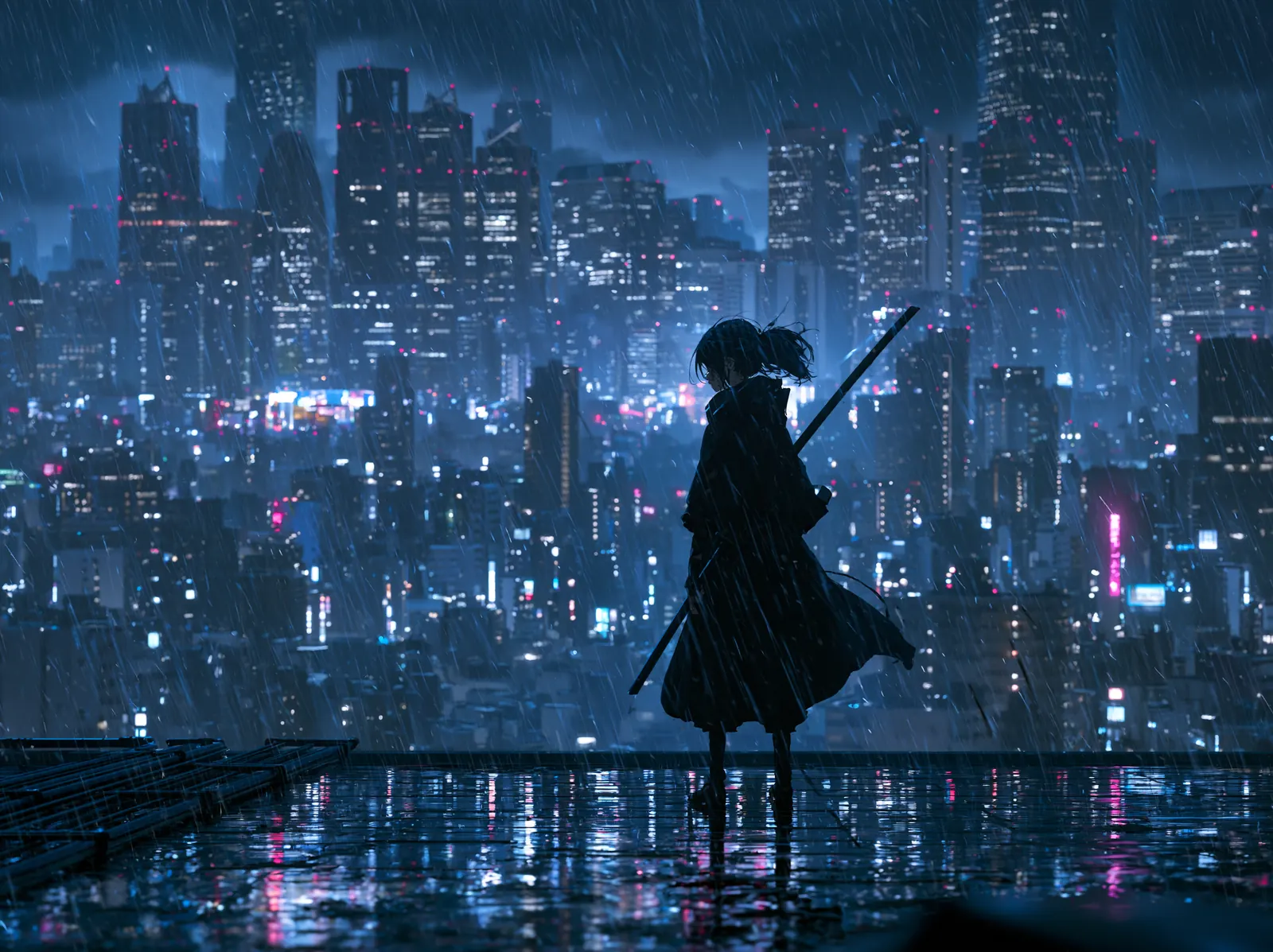
Good Seedance prompts are short, concrete and about movement. Seedance is a family of AI video models from ByteDance, and genvi offers Seedance 2.0 Fast, Seedance 2.0 Pro and Seedance 2.5. A prompt is the text you type to tell the model what to make. This guide gives you a simple way to write one, plus ways to use reference pictures and longer clips.
Which Seedance should you use
| Model | Clip length | Reference pictures | Good for |
|---|---|---|---|
| Seedance 2.0 Fast | 4 to 15 seconds | Up to 8 | Quick tests of an idea |
| Seedance 2.0 Pro | 4 to 15 seconds | Up to 8 | High-motion, cinematic clips |
| Seedance 2.5 | 4 to 30 seconds | Up to 29 | Long clips in a single pass |
All three can start from a picture and finish on a picture. Reference pictures, which are photos you give the model so it can copy a face, an outfit or a look, are explained below. Pick 2.0 Fast to try prompts, then run your best prompt on 2.0 Pro or 2.5. The price of each is shown before you run, so you can see the difference.
A simple recipe for Seedance prompts
Write five short parts, in this order, separated by commas.
- Subject: the one thing the clip is about.
- Action: what it does, with an -ing word.
- Setting: where and when.
- Camera: one move, such as "slow push in" or "low angle".
- Look: light and style, such as "golden hour" or "anime".
Keep it to one or two lines. Seedance is built for clips with a lot of movement, so give it something that moves. If you want the longer method, read how to write AI video prompts.
Starter prompts to try
We have not published Seedance clips from these lines yet, so treat them as starting points to adjust, not as promised results.
- Simple: "a skateboarder jumping down a set of stairs, city plaza at sunset, low angle, warm light".
- Weather: "rain falling on a quiet village street at night, a cat walking past a lit window, slow dolly forward, soft reflections".
- Anime: "anime style, a girl running across a rooftop in the wind, her scarf flying, wide shot, hand-painted clouds".
- Product: "a sneaker rotating slowly on a white pedestal, soft studio light, clean shadow, camera circles it once".
Using reference pictures with @Image1
A reference picture is a photo that you give the model so it can copy a face, an outfit, a place or a look. On genvi, Seedance takes the most of them: up to 8 on Seedance 2.0 and up to 29 on Seedance 2.5.
Here is how it works. You connect the pictures to the Style Refs input of the Video Generation node. An input is a plug on the node that takes in a picture or some text. In your prompt, you point at the pictures by number:
@Image1, @Image2 and so on. If you also connect a Start Frame picture, it is counted first, so it becomes @Image1 and your references follow in order.- "@Image1 walks along a beach at sunrise, camera follows from behind".
- "The woman from @Image1 wearing the jacket from @Image2, standing in a rainy street".
- "A cup of coffee in the style of @Image1, steam rising, slow push in".
This is different from the
@handle names in the Reference Library. A handle is a name you save once, such as @orbit, and genvi swaps in its description and pictures wherever you type it. The library is the easy way to keep a character the same across many prompts.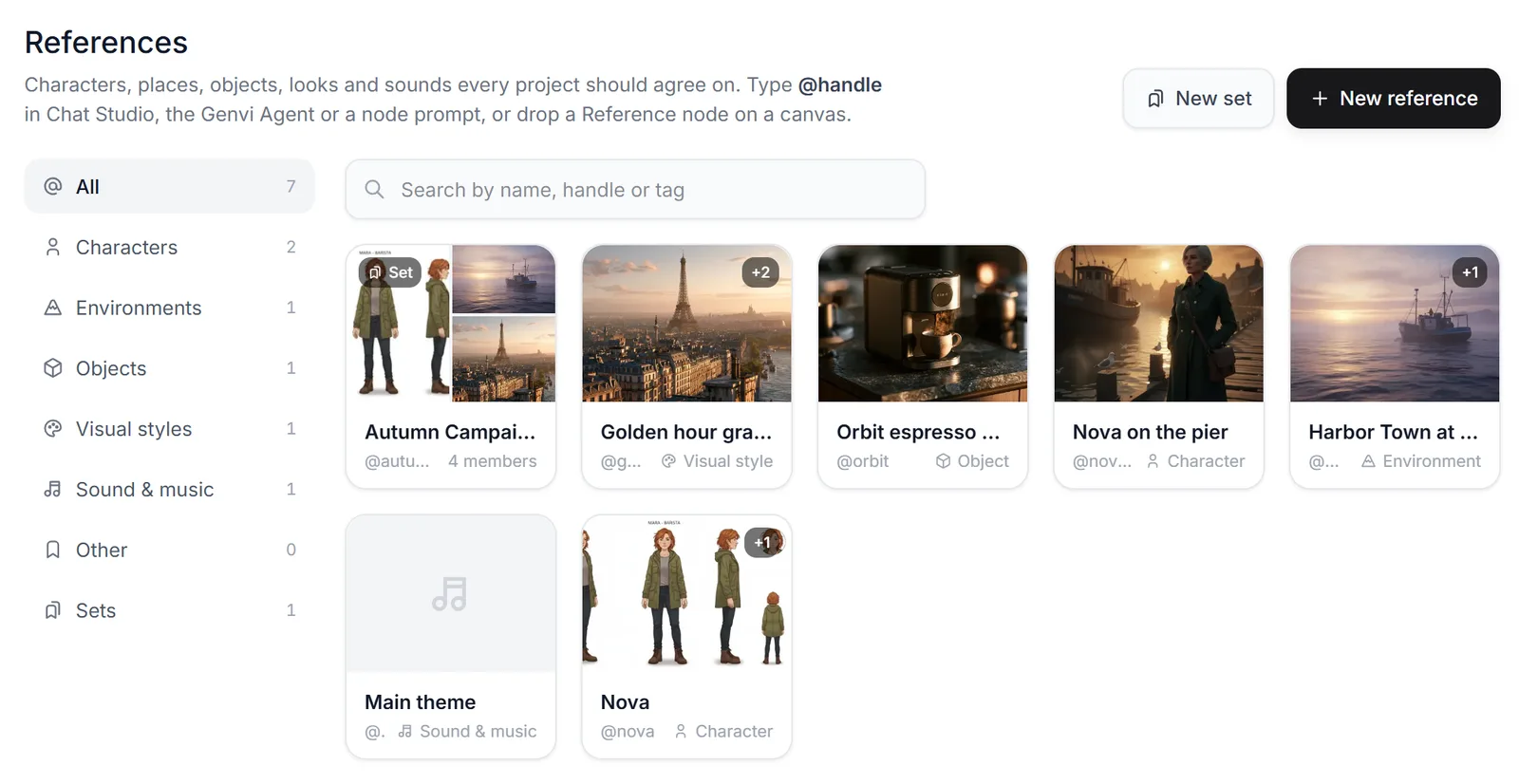
The Reference Library: one card for each saved reference. Any project can mention any of them.
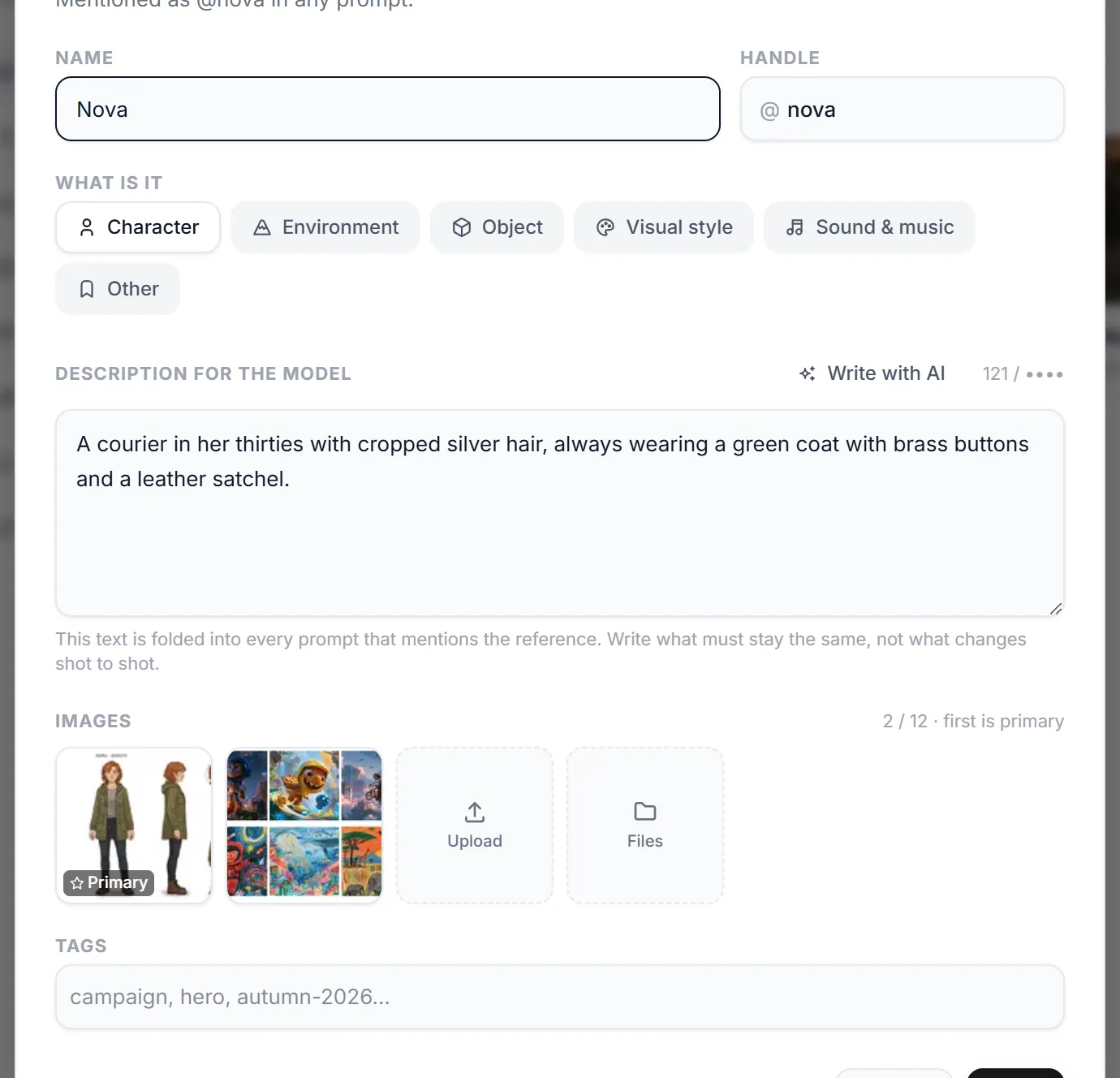
One reference: its handle, kind, description, pictures and tags. The first picture is the main one.
For more on keeping a person or object the same, see how to keep a character consistent in AI video.
Start and end pictures
Seedance can also begin on one picture and finish on another. Connect one picture to the Start Frame input and another to the End Frame input. Then describe the move between them: "the door opens and the room fills with light". The clip travels from the first to the second. Describe the change in one sentence and let the model handle the rest.
Longer clips with Seedance 2.5
Seedance 2.5 can make a single clip of up to 30 seconds. The longer the clip, the more your words need to cover. Write the story in order, one moment at a time:
"A lighthouse at dusk. First, the lamp turns on. Then waves crash against the rocks. Finally, a boat passes in the distance. Slow, steady camera."
Use two to four moments for 20 or 30 seconds. Test the idea in a short 5 second clip on Seedance 2.0 Fast, and only then pay for the long version. Seedance 2.5 offers more frame shapes than 2.0. Those include wide 21:9, 4:3 and 3:4, as well as 16:9, 9:16 and 1:1.
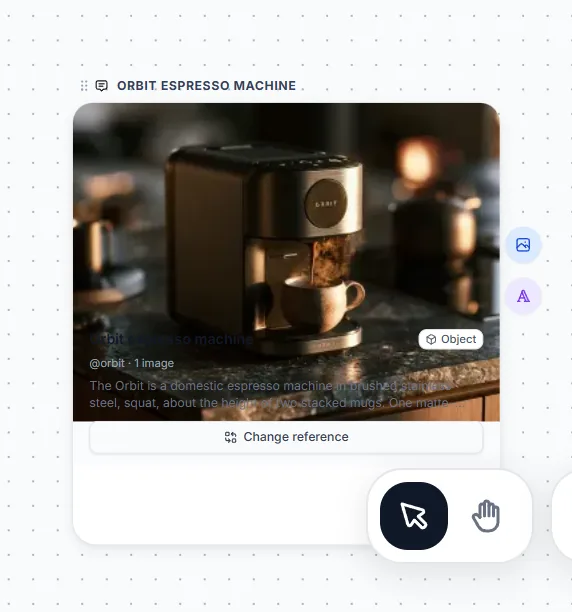
A Reference node on the canvas, the box that holds a saved reference. Change reference swaps it without editing the prompt.
Fixing a prompt that is not working
- The motion is wrong: change the action word first. "Sprinting" and "strolling" give very different clips.
- Too much happens: cut the prompt to one subject and one action.
- The face or outfit keeps changing: add a reference picture and point at it with @Image1.
- The look is off: replace three style words with one strong one.
- Change one thing per run. Otherwise you cannot tell which change helped.
What it costs
Video is priced per second, so a longer clip costs more. The exact price for your settings shows on the node before you run. We do not print credit numbers here because they can change. Free accounts get 150 credits a month. What are AI credits explains it, and Seedance vs Kling vs Veo shows how it compares with the other video families.
Questions people ask
Does Seedance make sound?
The genvi model list does not mark Seedance as making sound, so plan to add music or a voice track in the Video Composer.
How many reference pictures can I use?
Up to 8 on Seedance 2.0 Fast and Pro, and up to 29 on Seedance 2.5.
Is Seedance v1.5 Pro still there?
Yes. It is the older version, with clips of 4 to 12 seconds and no reference pictures.