October 24, 2026 · Updated November 3, 2026
How to use Kling on genvi and when to pick it
Learn how to use Kling on genvi: the five Kling models, how to make your first clip, how to write prompts, and when Kling is the right pick.
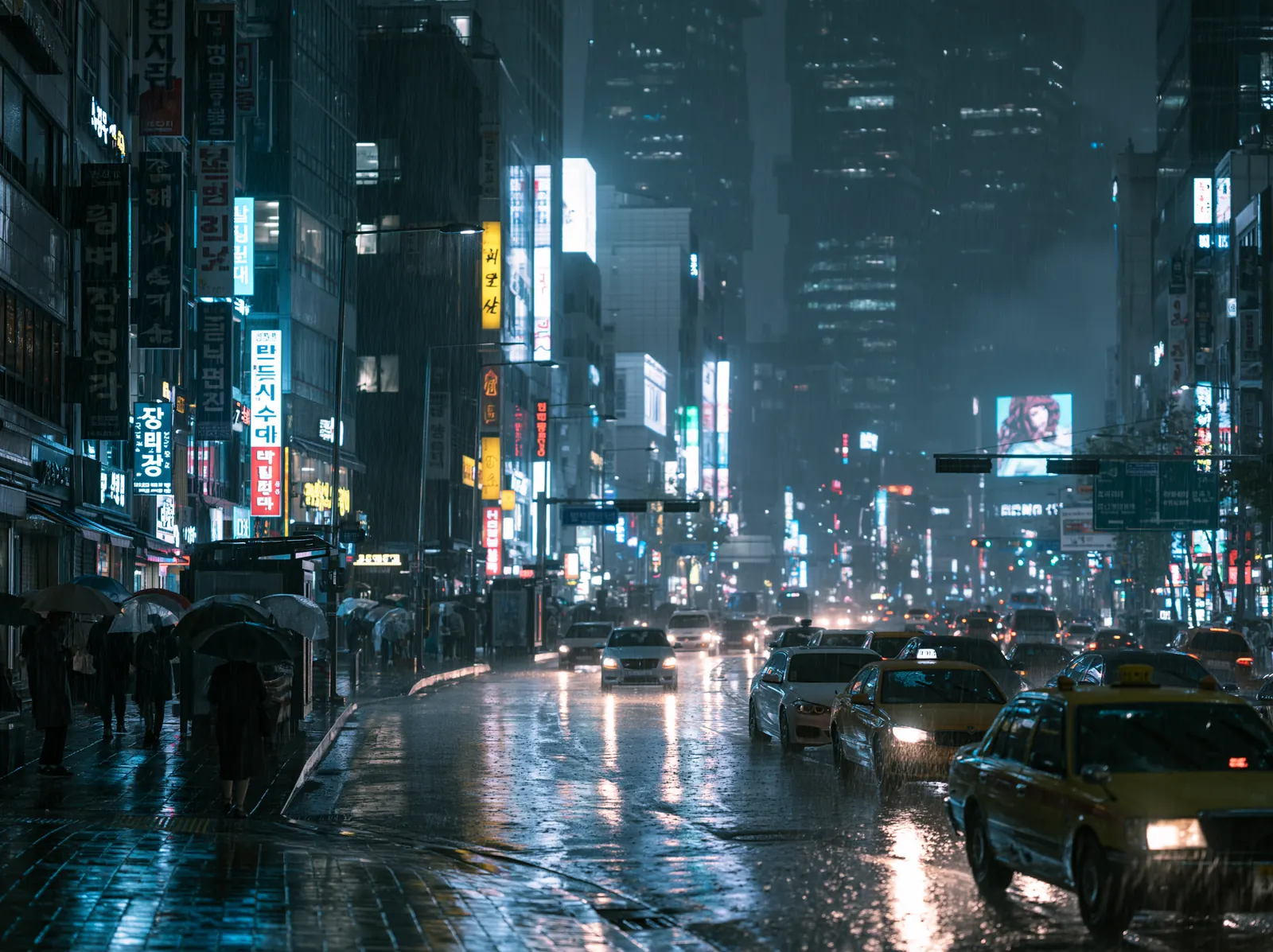
Kling is a family of AI video models, and learning how to use Kling on genvi mostly means picking the right one of them. This guide shows what each Kling model does, how to make your first clip, and when Kling is the better pick than something else.
What Kling is good at
Kling makes short video clips from a text description or from a picture. On genvi it comes in several versions. The newest ones, Kling Video v3 Pro and v3 Standard, are described in the model list as cinematic, with fluid motion. They also make sound along with the picture. That sound is called native audio.
The genvi house accounts share their Kling clips on Explore, the gallery of shared work. Four of them were made with Kling Video v3 Pro. They show a dune at golden hour, a train past neon billboards, fog over a forested ridge and a spiral galaxy turning slowly. Here is a frame from a Kling Video v2.6 Pro clip.

Kling Video v2.6 Pro. Prompt: "a whale gliding through clouds above a city, cinematic, highly detailed, dramatic lighting".
The Kling models on genvi
There are five Kling models. They are easy to mix up, so here they are side by side. A reference picture is a photo you give the model so it can copy a face, an object or a look.
| Model | Clip length | Sound | Best for |
|---|---|---|---|
| Kling Video v3 Pro | 3 to 15 seconds, any whole number | Yes, native audio | Your everyday pick for cinematic clips |
| Kling Video v3 Standard | 3 to 15 seconds | Yes, native audio | The same family at a lower price per second than Pro |
| Kling Video v3 4K | 5 or 10 seconds | Not listed | Clips that come out at full 4K size |
| Kling O3 Pro Reference | 3 to 15 seconds | Not listed | Keeping a character or object the same, from up to 4 reference pictures |
| Kling Video v2.6 Pro | 5 or 10 seconds | Not listed | The older version, still available |
Kling v3 Pro, v3 Standard and v2.6 Pro offer the frame shapes 16:9 (wide), 9:16 (tall, for phones) and 1:1 (square). There is no picture size menu for Kling, because the price and the picture size are fixed for each model. v3 4K always gives you a 4K picture.
How to make your first Kling clip
- Open a project. In genvi, make a project and add a Video Generation node. A node is one box on the canvas that does one job.
- Pick the model. Open the model list and choose Kling Video v3 Pro. If you want to spend less, choose v3 Standard.
- Write the prompt. A prompt is the text that tells the model what to make. Keep it to one subject, one action and one camera move.
- Set the frame shape and length. Choose 16:9, 9:16 or 1:1. Then pick a length. Start with 5 seconds while you test.
- Check the price. The node shows what the run will cost before you press run. Video is priced per second, so a longer clip costs more.
- Run it. When the clip finishes, watch it. If you like it, make it longer or send it to the Video Composer to join it with other clips.
Writing prompts that work for Kling
Kling follows plain, concrete words well. The house accounts' Explore prompts follow a similar pattern: what is moving, where it is, how the camera sees it, and how the light looks. One example prompt: "an elevated train rushing past neon billboards at night, light streaks, night photography with anamorphic lens character, neon reflections on wet ground". An anamorphic lens is a camera lens that gives wide, stretched light streaks.
- Name the motion. "Rushing past", "rolling over", "slow rotation". A clip is movement, so the verb matters most.
- Name one camera move. "Slow push in" is enough. Three moves in one clip tend to fight each other.
- Say how it looks. "Golden hour", "night photography", "film noir". One look is stronger than five.
- Keep it short. Two lines is plenty. Add words only to fix something you saw in the last clip.
For a longer walk through this recipe, read how to write AI video prompts.
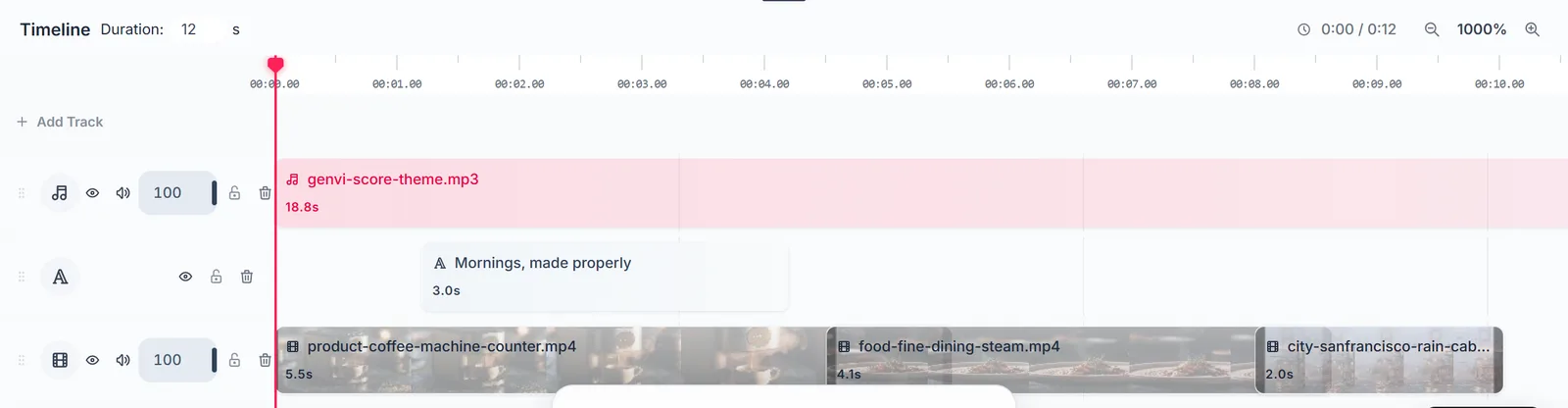
Send finished clips to the Video Composer and join them on a timeline.
Using a start picture and an end picture
Kling can start from a picture you give it, and the v3 models can also end on a picture. This is how you make a clip that goes from one image to another. A picture that a clip starts from is called a start frame, and the one it finishes on is the end frame. On the node, these are the Start Frame and End Frame inputs.
There is one catch. When you use an end frame, the clip comes out silent. The service that runs Kling does not allow an end frame and sound together, so genvi turns the sound off for that run. If you need sound, use only a start frame or just a prompt.
When to pick Kling
- You want cinematic motion with sound in one step. Kling v3 Pro and v3 Standard make the picture and the sound together.
- You want to choose the exact length. v3 lets you pick anything from 3 to 15 seconds.
- You want a 4K picture. Kling v3 4K always makes a 4K picture.
- You want the same character in several clips. Try Kling O3 Pro Reference, which takes up to 4 reference pictures.
Pick something else when you need to use a lot of reference pictures. Kling v3 Pro and v3 Standard take none. Seedance takes up to 8 on 2.0 and up to 29 on 2.5. Our Seedance vs Kling vs Veo guide sorts the choice by job.
What it costs
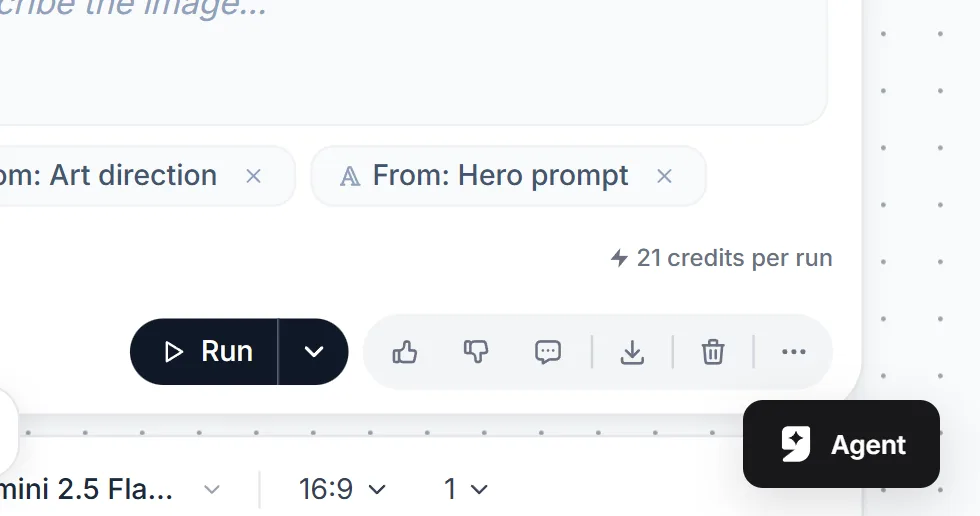
Every generation node shows the cost of one run before you run it.
Every Kling model has its own price per second. The number shown in the model list and on the node is always the one you will be charged. We do not print numbers here because they can change. Cheaper ways to test: use v3 Standard, keep clips to 5 seconds, and only make the long version of a clip you already like. Every account gets 150 free credits each month, so you can try several clips. Credits are explained in what are AI credits.
Questions people ask
Which Kling should I start with?
Start with Kling Video v3 Pro for a first clip. If it works and you want to test more ideas for less, switch to v3 Standard.
Does Kling make sound?
Kling Video v3 Pro and v3 Standard do, and the model list marks them with Native Audio. A run with an end frame is silent.
Why does my Kling clip have no picture size setting?
Kling models come in one fixed picture size, so genvi shows no size menu for them. Only v3 4K is a different size, and it is always 4K.
What if a run fails?
A credit charge is taken back when a model run fails, so you do not pay for a clip you did not get.
Can I use Kling to animate a photo?
Yes. Give it a start picture. Our guide on how to animate a photo with AI walks through it.