October 14, 2026 · Updated November 3, 2026
Can you use AI images commercially? A plain 2026 guide
Can you use AI images commercially? Three things decide it: genvi's terms, each model company's terms, and the law. Here is how to check each.
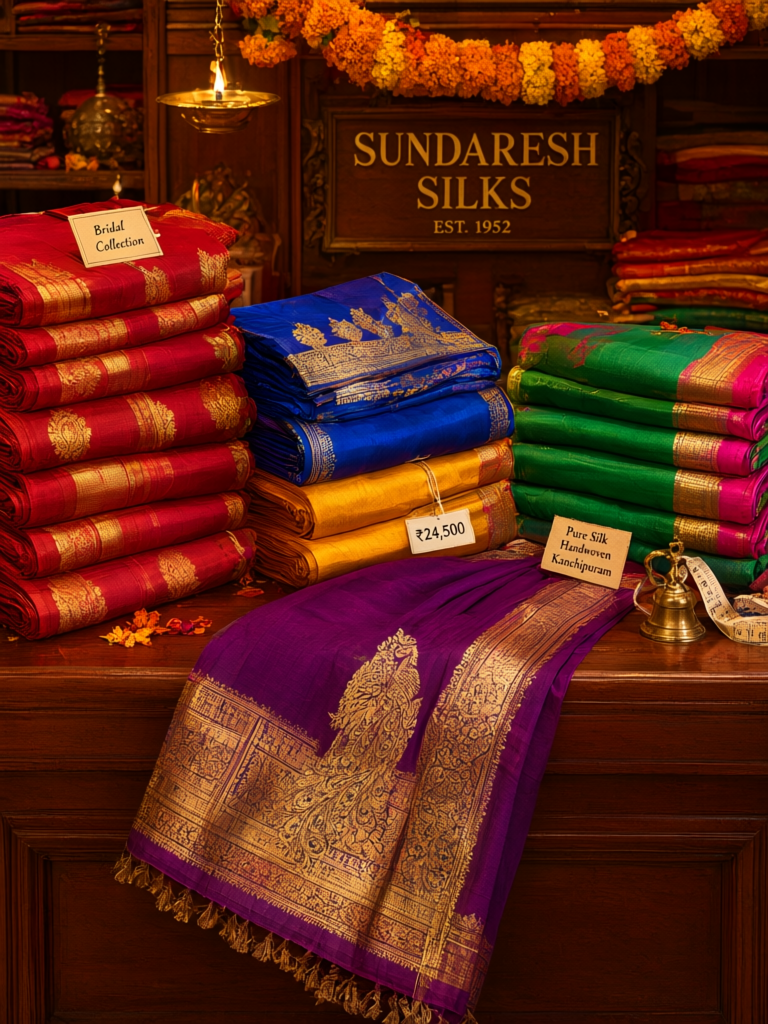
You made a great picture with AI. Can you put it on a product, in an ad, or on your shop's website, and make money from it? Usually, yes. Three things decide it, though: the rules of the tool you used, the rules of the company behind the model, and the law. This guide walks through each one. It is general information, not legal advice. It is as of November 2026.
Can you use AI images commercially? Start with the rules
Commercial use means using a picture to earn money or to promote a business. Ads, packaging, book covers, a website, a shop listing and social posts for a brand are all commercial.
The first question is not "is it copyrighted?" It is "who says I may use it?" That is a question about terms. Terms are the rules you agree to when you sign up. If the terms say you may use the output, you are in the clear on that point. Copyright is a separate question. We explain it in is AI art copyrightable.
Step 1. Read genvi's terms
Here is what our terms of service say about what you make. We quote them so you do not have to take our word for it.
- Section 6.1: "You retain all rights to the content you create, upload, or generate using genvi. This includes prompts, uploaded files, and AI-generated outputs."
- Section 6.2: "Subject to the terms of the underlying AI providers, you own the outputs generated through your workflows. However, we make no warranties regarding the uniqueness or originality of AI-generated content."
- Section 4.3: Your use of AI models through genvi "is subject to the terms and conditions of the respective AI providers," and you are responsible for following them.
In plain words: you own what you make. But genvi cannot promise that nobody else has made something similar.
We found no separate commercial use rule for free and paid plans in the terms. If you need a written answer for a client, write to support@genvi.co.
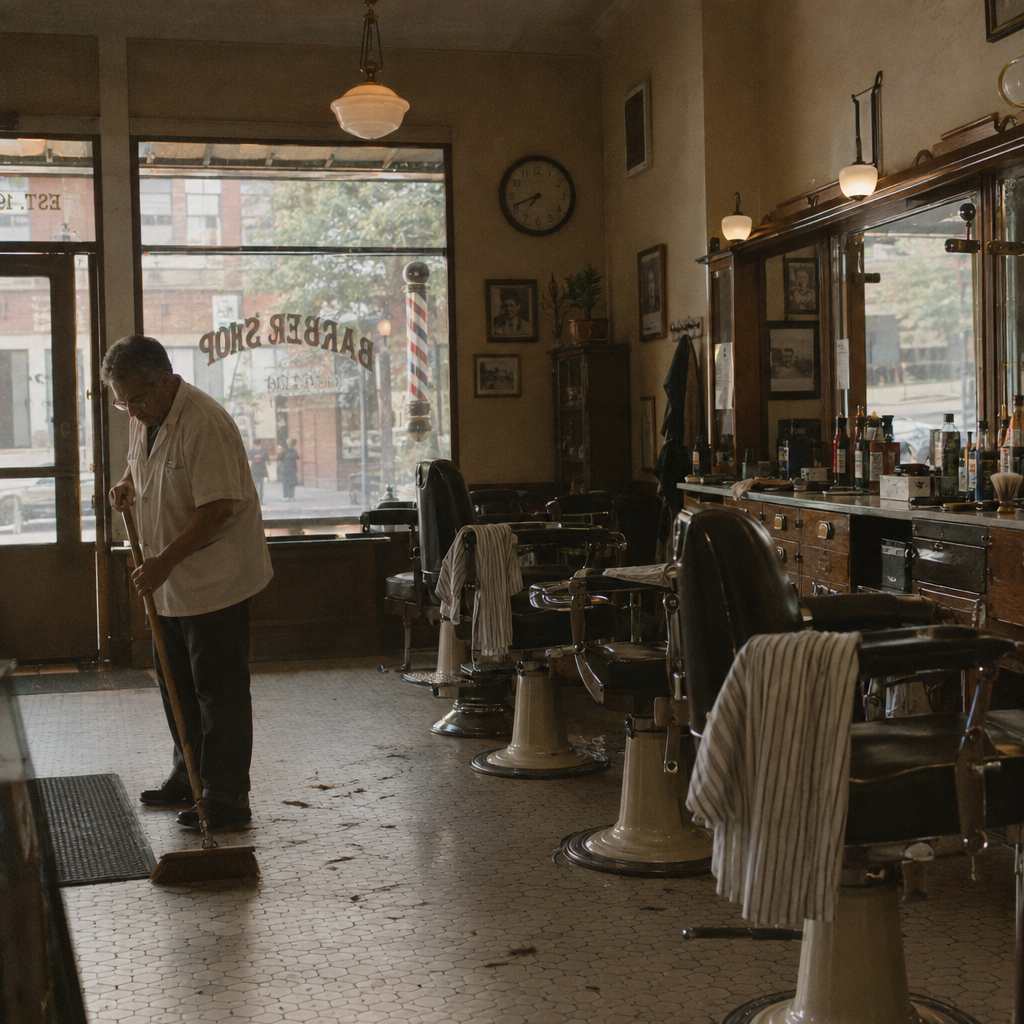
A small business scene made with GPT Image 2.5 Flare. Pictures like this often end up on shop websites and posters, so the terms matter.
Step 2. Check the model's own terms
genvi runs many AI models, which are the software made by different companies. The phrase "subject to the terms of the underlying AI providers" matters here. Each company writes its own rules, and they differ. Some are open about commercial use. Some limit it. Some limit certain uses, for example pictures of real people. These pages change, so we do not copy them here.
To check one, note which model you used. Search for the company's "terms of use" or "usage policy." Look for the words "commercial" and "output." If you cannot tell, pick another model or ask the company. For the picking itself, see how to choose an AI image model.
An API key is a password that lets an app use your account with a model company. If you use your own key, that company's terms apply to you directly. Our terms say you are solely responsible for getting, keeping and managing your own keys.
Step 3. Do not break the rules about people and other people's work
Our acceptable use section (section 5) lists things that are not allowed, whatever the plan. The ones that matter most for commercial work are:
- No images, video or voice of a real person without their consent. You may use someone's likeness or voice only when they have agreed.
- No deepfakes, or content meant to deceive people about what a real person said or did.
- No content that breaks someone else's copyright or trademark.
In practice, this means you should not make an ad that shows a real person who did not agree to be in it. Do not ask for a famous character, a brand logo or a celebrity. Avoid selling a picture as the work of a named living artist, even if your prompt asked for their style.
genvi also checks prompts and pictures before a run. It may refuse one that breaks the rules. Read more in every generation is checked before you pay.

Jars of honey on a windowsill, made with Seedream v5 Pro. A product picture with no real person, brand mark or famous character in it is the safest kind to use in a shop.
Step 4. Check the picture before you publish
Look at it closely, the way a stranger would.
- Look for a real brand. A sign, a bottle label or a shoe stripe that copies a real company can cause trouble. Edit it out or make it again.
- Look for a real face. If it looks a lot like a real, known person, do not use it.
- Look at the text. AI often spells words wrong. Fix it in the Image Composer before it goes out.
- Look for something you did not ask for. A stray hand or a strange shape is common. Run it again if so.
- Keep a copy of the settings. Save the project. It is a record of how you made it.
What genvi does not promise
Our terms say we make no promises about the uniqueness or originality of what the models make. They also say genvi is provided "as is." Some model companies offer their customers protection if someone claims an AI picture copies their work. genvi does not offer that. Our terms also say you agree to protect genvi from claims about your use of the service or your content. genvi is run by Gameverse, LLC. If a picture is for a big campaign, a lawyer should look at it first.
Other places that have rules
Where you post may have its own rules. For example, YouTube asks you to say when realistic video or audio was made with AI. We cover the details in the guide on AI voices, consent and labels. Stock photo sites, print shops and ad networks each have their own policies. Read the page for the one you use before you upload.
What it costs
Using the picture costs nothing extra. You pay credits to make it, and the price shows before you run it. What AI credits are explains how the price is set.
FAQ
Do I have to credit genvi?
Our terms do not ask for a credit line. Some model companies may. Check the model's terms.
Can I sell prints or T-shirts?
The same steps apply. Check the model's terms, check the picture, and read the print shop's rules about AI images. Remember that a picture without copyright protection can be copied by others.
Can I use pictures from Explore?
Explore posts belong to the people who shared them. Our terms let other people use a post's recipe, which is its prompt and settings, to make their own. That is different from copying the picture itself.
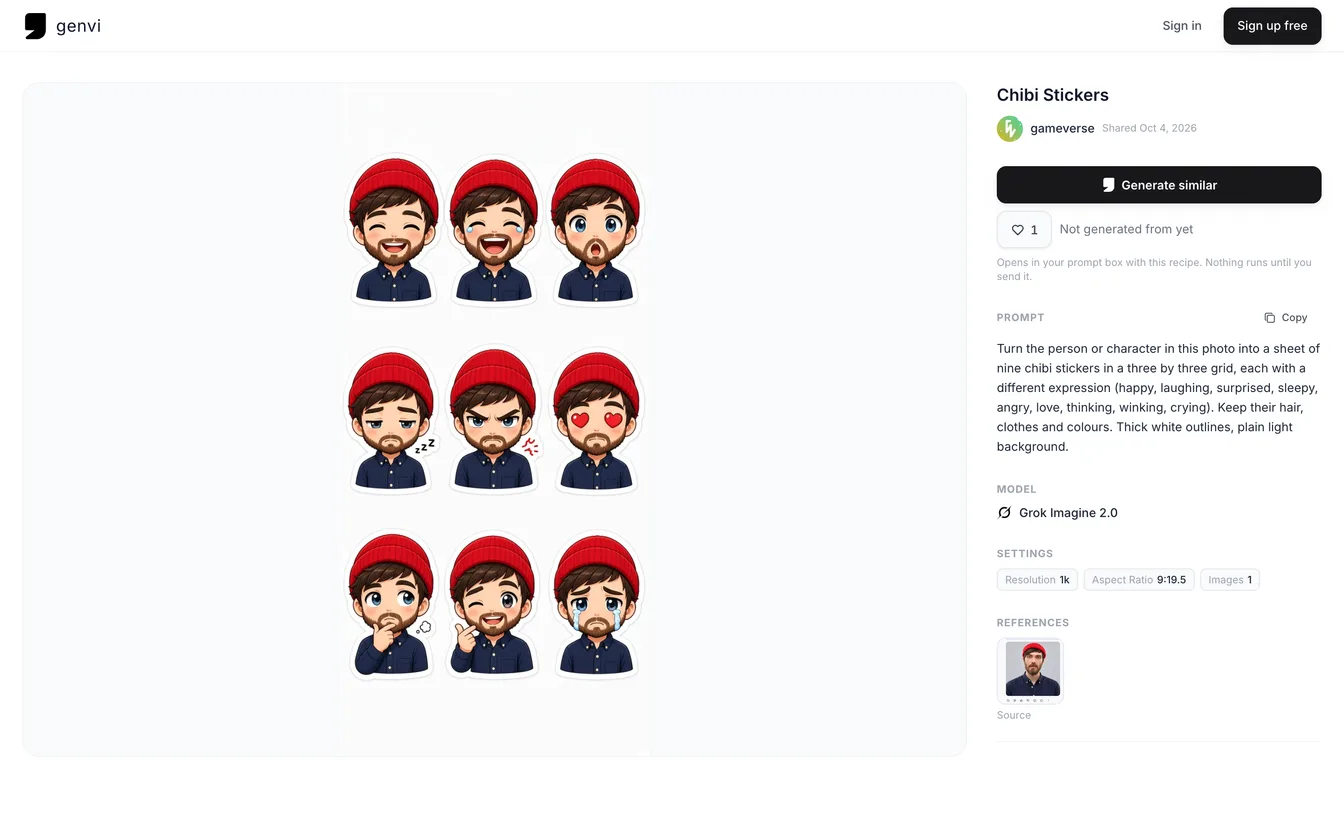
An Explore post page with the prompt, model (Grok Imagine 2.0) and settings beside a sticker sheet. Other people may use a shared recipe to make their own picture, not copy yours.
Is it different for client work?
Tell your client that AI helped, and say who owns what in your contract. Do not assume the picture can be copyrighted.
This is general information, not legal advice. For a real decision, ask a lawyer.