October 16, 2026 · Updated November 3, 2026
genvi vs OpenArt: an OpenArt alternative with editors
genvi vs OpenArt in plain words: models, editing tools, repeatable workflows and plans. OpenArt prices are as of November 2026, from its own site.

If you are weighing genvi against OpenArt, or looking for an OpenArt alternative, here is the short version. OpenArt gives you a big list of image, video and audio models, plus tools for characters and stories. genvi is six editing tools in one, with a canvas of connected steps, a video editor and an assistant that works inside them. Here is how they differ, with OpenArt's prices as listed on its own page.
Who each one is for
OpenArt describes itself as a home for 100+ image, video and audio models, with character and story tools and a feature called Director. It suits someone who wants to try many models from one account and build characters and stories without building workflows.
genvi suits someone who wants to keep working after the first result. You can edit it in an image editor or cut it on a video timeline. You can also build a repeatable workflow of connected steps, or ask the assistant to build it. The tools are Node, Image, Video, Whiteboard, 3D and Chat. A phone app covers Home, Chat, Image, Video and Studios.
Feature comparison
| genvi | OpenArt | |
|---|---|---|
| Model catalogue | Models from several providers | 100+ image, video and audio models (their page) |
| Characters and stories | Reference library with @handle references; character sheet step | Character and story tools, Director |
| Outside access | API keys, /api/v1 and an MCP server | OpenArt MCP included on all plans |
Pricing
OpenArt prices below are per seat (person) per month, as of November 2026, from openart.ai/pricing. The second figure is for yearly billing. A credit is what you spend each time you make something.
| OpenArt plan | Monthly (annual) | Credits |
|---|---|---|
| Starter | $14 ($13) | 4,000 |
| Plus | $34 ($27) | 12,000 |
| Pro | $56 ($44) | 24,000 |
| Wonder | $240 ($175) | 106,000 |
OpenArt says Starter credits are about 50 videos, that yearly billing saves up to 27%, and that commercial rights start at Plus. An Extra Credit add-on is $15 a month for 5,000 credits and needs Plus. Director access and OpenArt MCP are on every plan.
On genvi, plans are Free (150 credits), Hobby ($5.99 a month, 2,000 credits), Indie ($14.99, 5,000) and Pro ($49.99, 20,000), with yearly prices a little lower. Check the live prices in the pricing section. Do not compare credit counts directly, because each company sets its own cost per generation. Price the thing you make. Our plans page explains how credits work.
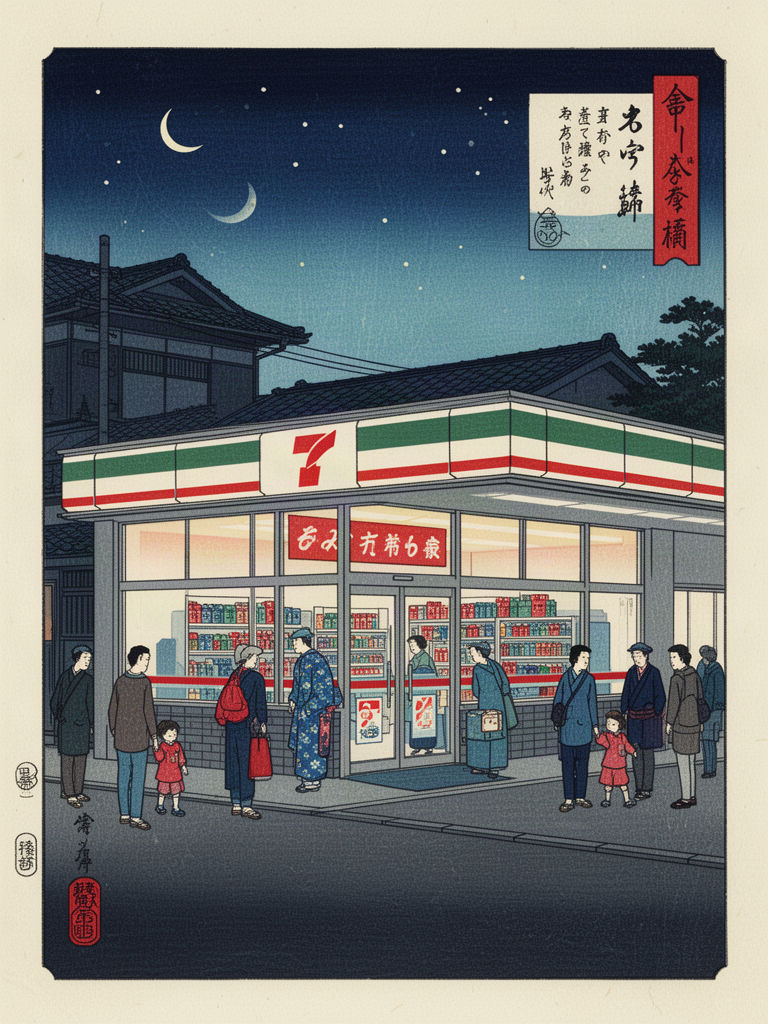
A late night convenience store in ukiyo-e style. Made in genvi with FLUX 2 Flash.
Where OpenArt is stronger
- Many models in one place. OpenArt advertises 100+ models behind a simple generator. If you want to see how many models read one prompt, that is its home ground.
- Character and story tools. Director and the character tools are built for a recurring cast and a story, and OpenArt includes them on every plan.
Where genvi is stronger
- Editing after generating. A finished image opens in a layered image editor, and clips go on a timeline. You do not export to another app to make the cut.
- Repeatable workflows. The canvas only lets you connect matching things (text, image, video, audio, 3D). A generation step can run once for each line of a list. You see the total and confirm before anything is spent.
- An assistant that uses the same tools you do. It works on the canvas with the same actions as the toolbar, so what it builds is yours to edit.
- Everything under one project. Every file you make is saved in its project, and the price you see before you run matches the charge.
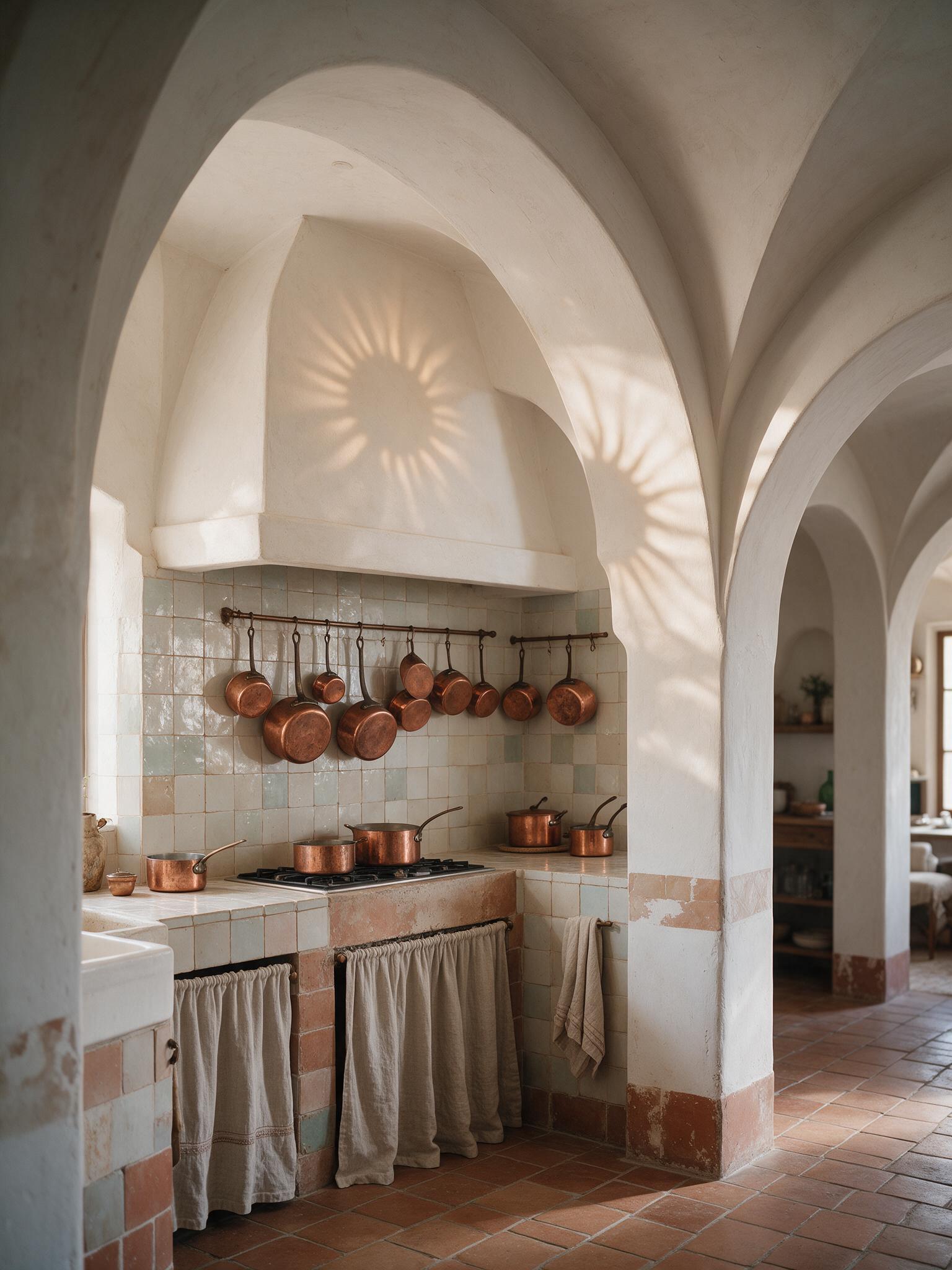
An arched kitchen of zellige tiles and copper pots. Made in genvi with Seedream v5 Pro.
How the day-to-day feels
The two start with different questions. OpenArt is built around its models and its character and story tools. genvi asks what you are making. You open a project of a type (image, video, node, whiteboard, 3D or chat), and you land in the tool built for that job.
That has a cost. One generator is quicker to learn than six tools. If you only ever need a picture from a prompt, you will not use most of genvi. It also has a benefit that shows up in the second and third hour of a project. The video you cut, the image you retouch and the workflow you run all live in one place. And if you close the tab on a long job, it is picked up when you reopen the project.
Cost works the same way. A cheap monthly plan is good value when you make something and download it. It is less clear when you redo things a lot. So look at what one result costs on the models you will use, not the headline credit count.
Verdict
Pick OpenArt if you want one front door to a very wide list of models, plus character and story tools. Choose it if you are happy to finish elsewhere. Pick genvi if the first image is the start of the job and you want to edit, sequence, repeat and share from the same project. If you are still choosing a model, read how to choose an AI image model. If you make characters, see how to keep a character consistent in AI video. For other options, see genvi vs Krea.
FAQ
Is genvi a good OpenArt alternative?
Yes, if you need editing tools and repeatable workflows as well as generation. If you only need a place to try many models, with character tools, OpenArt may fit better.
Do both have a free plan?
genvi has a Free plan with 150 credits.
Can I use my own API keys?
genvi lists “Bring your own API keys” on its Free plan. That means you can connect your own accounts at other services.