October 21, 2026 · Updated November 3, 2026
genvi vs Krea: AI image tools compared (2026)
genvi vs Krea in plain words: image models, editing, training your own style and Krea's November 2026 prices, with a fair look at where Krea wins.
genvi vs Krea is a comparison between two tools that can both make images, but are built for different things. Krea focuses on images, live creation and training your own styles. genvi puts many kinds of media in one workspace. Here is a fair look, with Krea's published prices as of November 2026.
We make genvi. Krea facts below come from krea.ai/pricing, and genvi facts come from our own product. If you are searching for a Krea alternative, read the section on where Krea is stronger first. It may settle the question.
Who each one is for
Krea describes itself as a studio for live and generated image, video, 3D and upscaling, with many models and LoRA training. A LoRA is a small add-on that teaches a model your own style or subject. Krea suits artists and designers who work visually and want to train a custom style.
genvi suits people who need an image to become something else: a video, a product ad, a 3D model, a storyboard. It has many image models, an image editor with layers, and other tools around it. It also lists a model called Krea 3, so you can try that model inside genvi.
genvi vs Krea: feature comparison
| Feature | genvi | Krea |
|---|---|---|
| Image generation | Yes, many models including FLUX 2, Seedream v5, Recraft v4.1, GPT Image 2.5 and Krea 3 | Yes, many models |
| Train your own LoRA | No, genvi does not offer this | Yes, up to 2,000 images per LoRA on Max |
| Video generation | Yes, plus a timeline editor with several tracks | Yes, on selected plans |
| 3D | Yes, 3D Studio: generate, retexture, remesh and rig | 3D models listed |
| Upscaling | Yes, Real-ESRGAN and Topaz are available | Yes, listed as a capability |
| API | Yes, personal API keys, MCP server and command line tool | Yes, with separate API pricing |
| Teams | Yes, workspaces with optional shared credits | Business plan, up to 50 seats |
Pricing: Krea vs genvi
Krea prices, as of November 2026, from krea.ai/pricing. Krea counts usage in compute units. It offers 40 percent off yearly billing, so the monthly figures below are the yearly-billed price, with the list price in brackets.
| Krea plan | Price per month | Compute units |
|---|---|---|
| Free | $0 | 100 units a day, refilling daily |
| Basic | $5 billed yearly ($9 list) | 5,000 a month, selected video models |
| Pro | $21 billed yearly ($35 list) | 20,000 a month |
| Max | $63 billed yearly ($105 list) | 60,000 a month, LoRAs up to 2,000 images |
| Business | $160 ($200 list) | 80,000 base, up to 50 seats, shared pool |
| Enterprise | Custom | SSO and SLA |
Krea also sells one-time packs of 2,000 to 50,000 units, valid for 90 days. Its page also lists limits on how many jobs run at once. The Free plan runs one image job at a time.
genvi prices, as of November 2026:
| genvi plan | Price (monthly) | Credits |
|---|---|---|
| Free | $0 | 150 credits |
| Hobby | $5.99 a month ($59.99 a year) | 2,000 credits a month |
| Indie | $14.99 a month ($149.99 a year) | 5,000 credits a month |
| Pro | $49.99 a month ($499.99 a year) | 20,000 credits a month |
Krea's free plan refills every day, which suits casual use better than a balance that has to last. The two systems do not match one to one, so test your own typical session on each.
Where Krea is stronger
Custom styles through LoRA training. If you need images that consistently match a style or subject you trained on, Krea offers that and genvi does not.
A daily free allowance. One hundred units that come back every day let you keep experimenting without a subscription.
An image-first product. Krea is described around live and generated image work. In genvi, images are one of six tools.
Where genvi is stronger
Pictures that keep going. An image can become a video clip, a storyboard frame or a 3D model without leaving your account. The image editor adds layers, brushes, text and export for finishing.
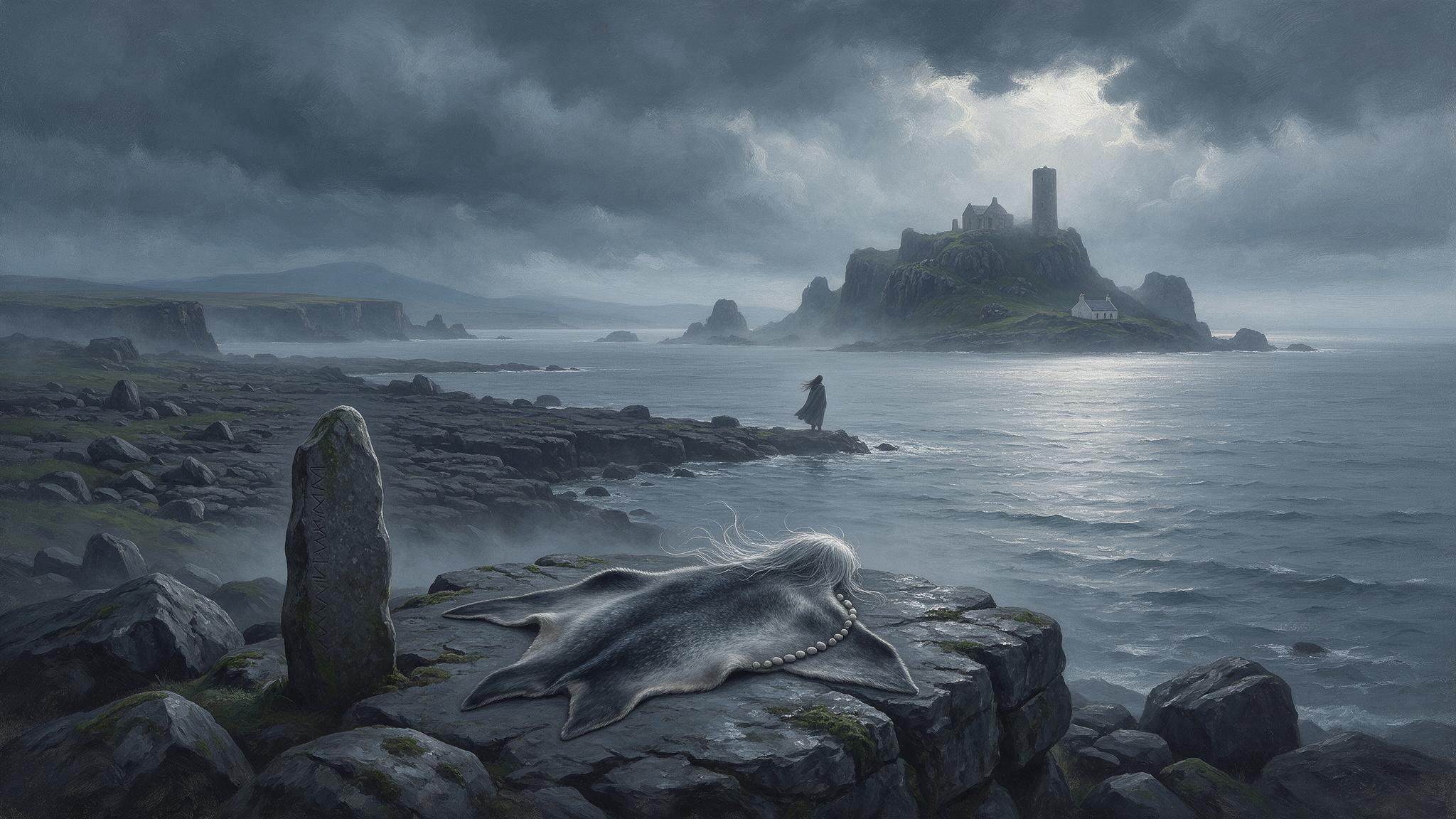
“Selkie shore”, made with Seedream v5 Pro in genvi.
A wide choice of models. Different models suit different looks. The cloud café illustration below came from a model that handles flat vector style well. The painting above came from another.

“Cloud café”, made with Recraft v4.1 Pro in genvi.
Keeping a look steady. The Reference Library lets you save a character or product and call it up with an @handle anywhere in genvi. That helps a project keep one look.
Workflows and an assistant. Node Studio connects generation steps for batch work, and the genvi assistant can run them for you.
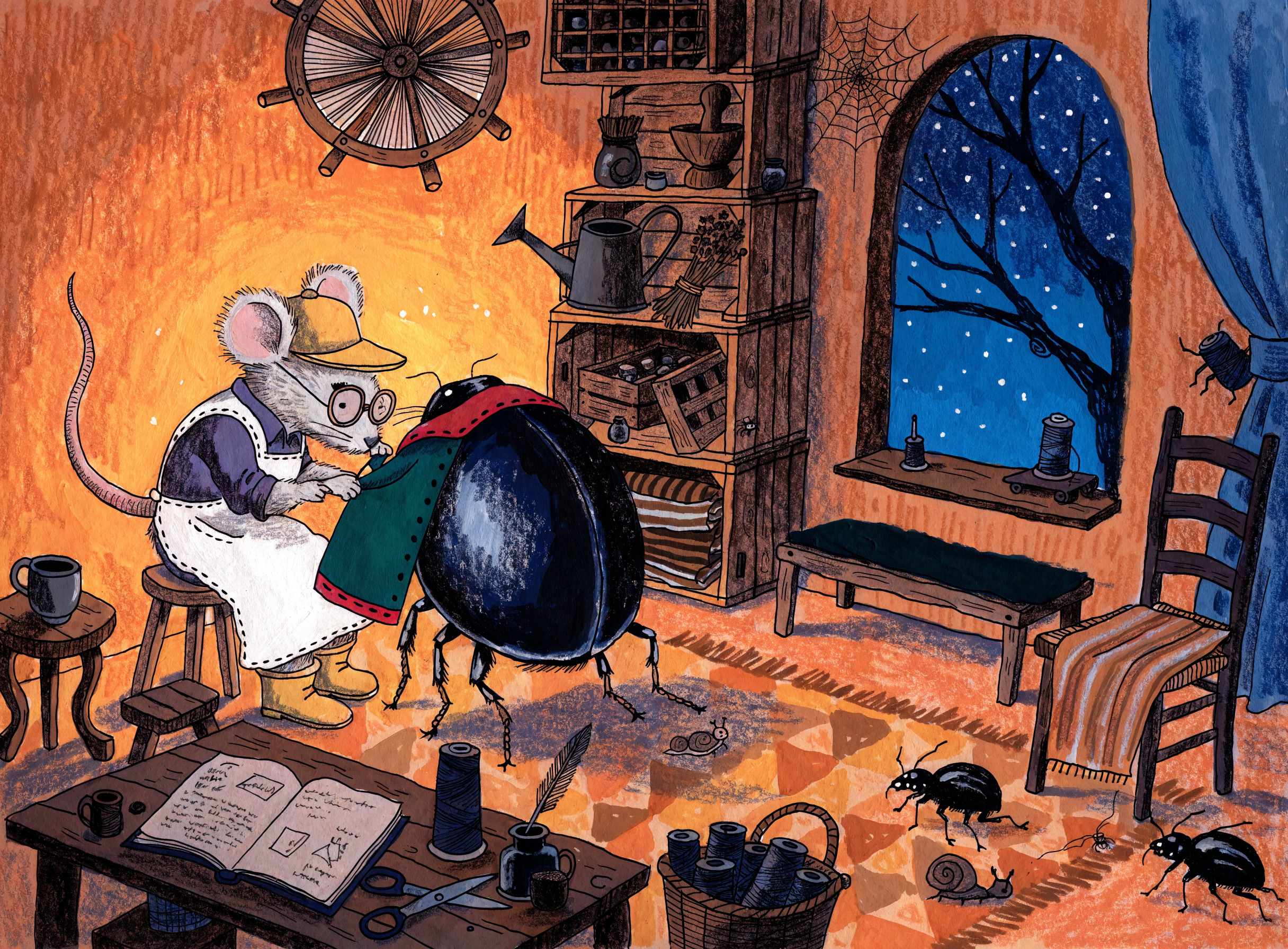
“Mouse tailor”, made with Recraft v4.1 Pro in genvi.
A fair way to test both
Pick three prompts from your real work: one photo style, one illustration and one with text or fine detail. Run each on Krea's Free plan and on genvi's Free plan, with the same image shape. Judge the first result and the third, because the third shows how well each tool takes direction. Then ask what you would do next with the best image. If the answer is “make it move” or “turn it into a model”, that favours genvi. If it is “train a style on a hundred of these”, that favours Krea.
Which should you pick?
Pick Krea if your work is mostly images and you want to train your own style, or you like a free allowance that refills daily. Pick genvi if the image is the first step of something bigger, or you want one account for images, video, audio and 3D. Krea 3 is in genvi, so you can also try that model on your prompts there. More comparisons: genvi vs Magnific, genvi vs OpenArt and a guide to choosing an AI image model.
FAQ
Is genvi a good Krea alternative?
For general image making plus video and 3D, yes. For training your own style (LoRA), no, because genvi does not offer it.
Can I use Krea's model in genvi?
Krea 3 is in genvi's model list. That is the model, not Krea's app, so features specific to the Krea app are not included.
Which is cheaper?
It depends on how you work. Krea's Basic plan at $5 a month billed yearly is close to genvi's Hobby at $5.99, but the units are different. Compare the cost of your own typical images.