October 15, 2026 · Updated November 3, 2026
genvi vs Flora: a Flora alternative beyond the canvas
genvi vs Flora in plain words: how each works, team features, models and prices. Flora prices are as of November 2026, from flora.ai.

Flora and genvi both let you make images and video on a canvas. So people search for a Flora alternative when they want something built differently. Flora is built for teams working together on one big shared canvas. genvi has six studios, and one of them is a canvas of connected steps. The same work can move from that canvas to a video timeline or an image editor. This genvi vs Flora comparison uses Flora's own pricing page for every price.
Who each one is for
Flora is built for teams. It charges per person, with usage shared across the team, live teamwork and usage reports. You make text, images and video on a big open canvas, with connected steps.
genvi is for individuals and small teams who want one project to hold the whole job. It has connected steps for repeatable workflows, a video editor for the cut, an image editor for layers, plus a whiteboard, a 3D studio and chat.
Feature comparison
| genvi | Flora | |
|---|---|---|
| Canvas with workflows | Node Studio: run everything, or from or up to one step | Infinite canvas with Run and create techniques, Action node, batch from Starter, App Mode |
| Models | Models from several providers | 60+ models including Nano Banana 2, Veo 3.1, Seedance 2.0 and Kling (their page) |
| Real-time collaboration | Team workspaces | Yes, with shared usage and reports |
Pricing
Flora lists prices per person per month, as of November 2026, from flora.ai/pricing. We found no yearly price on the page. Usage is a shared pool counted in dollars, and it grows with the number of people. Flora does not use the word credits. For genvi, a credit is what you spend each time you make something.
| Flora plan | Per seat per month | Notes |
|---|---|---|
| Free | $0 | 1 seat, 3 projects, text and image models, up to about 17 free generations capped at $2.50 |
| Starter | $18 | Action node and batch; 30-day generation history |
| Pro | $50 | More usage per seat |
| Max | $200 | Custom voices |
| Enterprise | Custom | Teams of 9+, SSO |
genvi plans are Free (150 credits), Hobby ($5.99 a month), Indie ($14.99) and Pro ($49.99). Indie and above include team workspaces. Check the pricing section for live prices. One side charges dollars of usage and the other charges credits, so compare by pricing the task you do most.
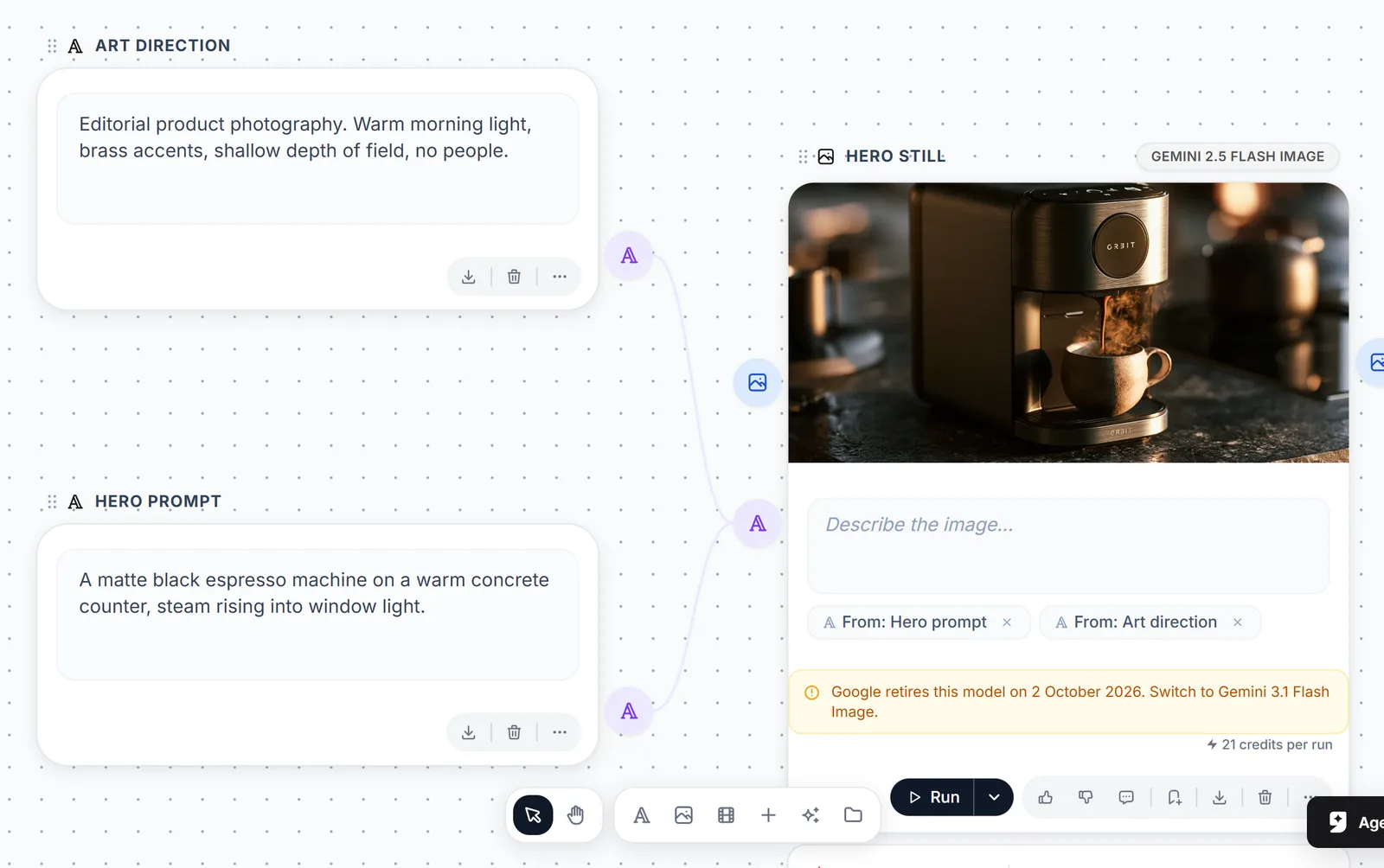
Connecting nodes in genvi's Node Studio.
Where Flora is stronger
- Teamwork. Live teamwork, a shared usage budget that grows with each person, and usage reports are central to Flora's pricing.
- App Mode. Flora lists an App Mode. That suggests you can turn a workflow into something a teammate runs without opening the steps.
- Many models on one canvas. Flora names 60+ models, including current video models such as Veo 3.1 and Seedance 2.0.
Where genvi is stronger
- More than one studio. Workflows are one studio. When you need a timeline, a layered image or a 3D model, the same project has an editor for it.
- Run on a list. A generation step can run once for each line of a list, shows the total, and undoes in one click.
- The assistant. Describe the workflow and the assistant lays it out on the canvas, using the same actions as the toolbar.
- A free plan with your own keys. genvi's Free plan lets you bring your own API keys (passwords that connect another service).
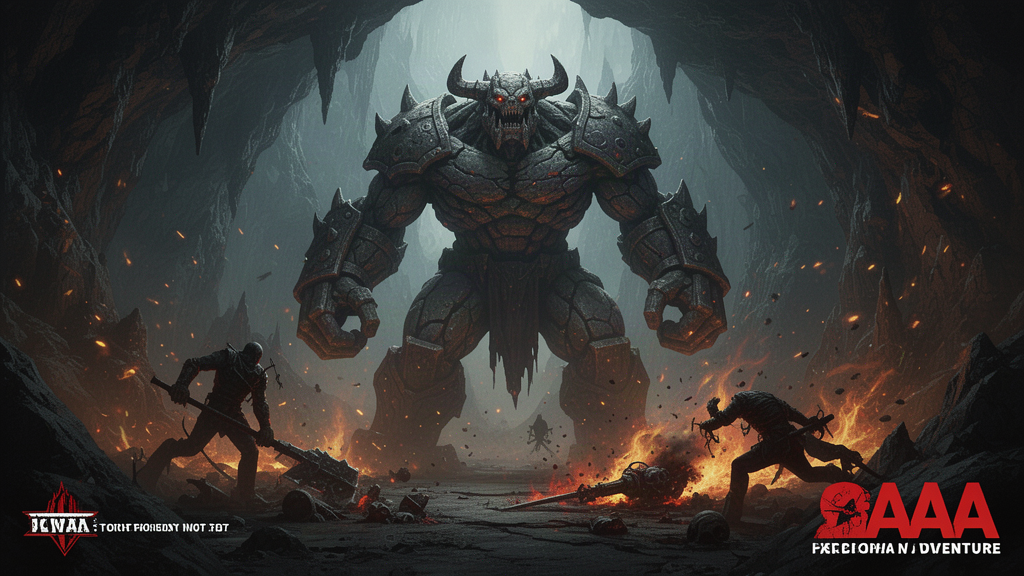
A giant golem boss in a cave, after the battle. Made in genvi with FLUX 2 Flash.
How the work is organised
Flora is built around one shared canvas and one shared usage budget. That is a strength when the people doing the work are in the same room or on the same call. It helps when they want to see each other's moves.
In genvi the canvas of connected steps is one of six studios. A workflow built there can feed a video timeline or an image document, and the assistant can work in any of the six. Each step has typed connections, so an image cannot be plugged in where audio is expected, whether you draw the line or the assistant does. If a run is cut off, it is picked up again when you reopen the project. A failed run is refunded.
If your work is mostly making variations and reviewing them as a group, Flora fits well. If the variations are raw material for an edit, genvi saves you an export and a re-import.
What to test before you pay
Run the same small job on both free plans. Make four versions of one image, pick one, turn it into a short video clip, then try to hand the result to someone else. Note how many times you leave the tool, how much of the free allowance it used, and how easy it is to repeat tomorrow. Flora's free cap is about $2.50 of generations, and genvi's Free plan is 150 credits, so both let you try this without paying.
Verdict
If a team of several people will work together on one shared canvas and you want shared usage and reports, Flora is the more natural fit. If you work alone or in a small group, and the result needs editing after the workflow, genvi covers more of the path. Related reading: node-based AI workflow tools compared, genvi vs Figma Weave and how to batch generate product photos.
FAQ
Is Flora free?
Flora lists a Free plan with one seat and three projects, with free generations capped at $2.50. genvi's Free plan includes 150 credits.
Does genvi have real-time collaboration?
genvi has team workspaces on Indie and above. We do not claim to match Flora's live teamwork.
Which has more models?
Flora names 60+. genvi's list of models is large and changes with each update. See the October 2026 model refresh.