October 19, 2026 · Updated November 3, 2026
genvi vs ComfyUI: a ComfyUI alternative, honestly
ComfyUI is free and open source on your own computer; Comfy Cloud is paid. See how it compares with genvi on control, editing and cost, as of November 2026.

ComfyUI is the best known tool for building AI image and video work from connected steps (called nodes). Looking for a ComfyUI alternative only makes sense if you know what you would give up. This genvi vs ComfyUI guide is honest about that. ComfyUI is open source, which means its code is public, and it is free to run on your own computer. genvi is an online platform with six studios. Both let you connect steps into a workflow. Almost everything else is different.
Who each one is for
ComfyUI is for people who want control. You run open models on your own graphics card, build custom workflows, add community-made nodes and own the whole setup. It is also behind Comfy Cloud, a paid online version.
genvi is for people who want to make things without running any equipment. It has models ready to use, credits, a project that saves itself, and editors for the cut, the layers and the 3D after the workflow. Credits are what you spend each time you make something.
Keep two ComfyUI things apart. ComfyUI (including Comfy Desktop) is free to run on your own computer. Comfy Cloud is the paid online product. The prices below are for Comfy Cloud only.
Feature comparison
| genvi | ComfyUI | |
|---|---|---|
| Node graph editor | Yes, about 30 types of node, and each connection has a type | Yes, the core product |
| Runs locally | No, hosted | Yes, free with Comfy Desktop |
| Open source | No | Yes |
| Custom nodes and open ecosystem | Add a model to the list; you cannot install your own nodes | Community and custom nodes, open models you load yourself |
| Proprietary models | Models from several providers | Partner Nodes (for example Nano Banana Pro) |
| API | API keys, /api/v1, MCP server | Experimental cloud API per its docs |
Pricing
ComfyUI on your own computer costs nothing beyond your hardware and electricity. Comfy Cloud prices below are in US dollars. They show the monthly price when billed yearly, with monthly billing in brackets, as of November 2026, from comfy.org/pricing.
| Comfy Cloud plan | Per month, billed yearly (monthly in brackets) | Credits a year |
|---|---|---|
| Standard | $16 ($20) | 50,400 |
| Creator | $28 ($35) | 88,800 |
| Pro | $80 ($100) | 253,200 |
| Team | $630 ($700) | 1,772,400, up to 50 members, shared pool |
| Enterprise | Custom |
Credits pay for active computer time and Partner Nodes. Idle time is free, plan credits do not roll over, and top-ups last a year. New users get 5 free runs on Cloud. Its API is pay-as-you-go by computer rates (for example H100 SXM at $6.23 an hour), and network storage is $0.20 per GB per month.
genvi's plans are Free (150 credits), Hobby ($5.99 a month), Indie ($14.99) and Pro ($49.99). See the pricing section for live prices. The two charge differently. Comfy Cloud charges for computer time. genvi shows a credit price for each generation before you run it.
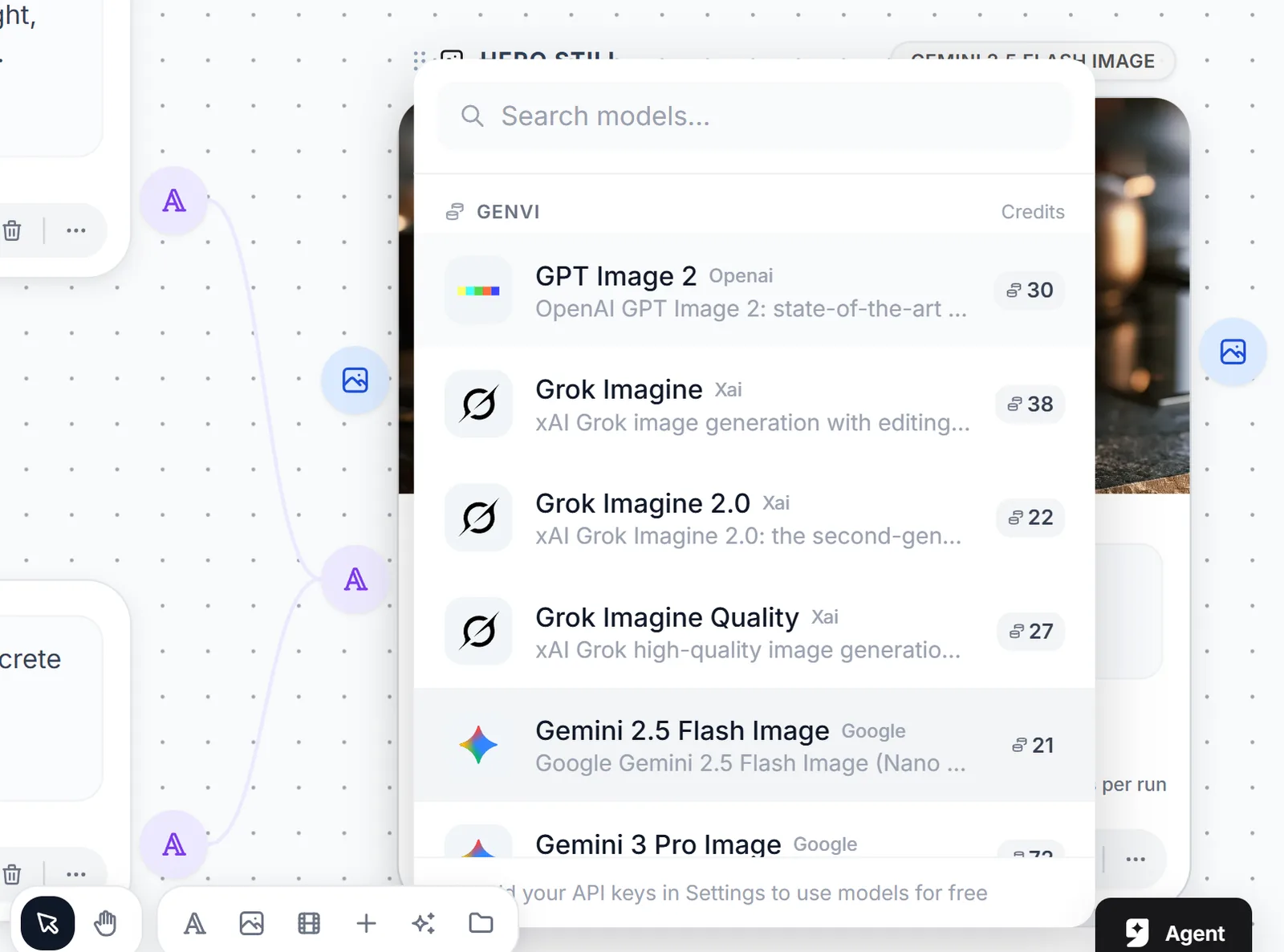
A genvi graph running, with progress on each node.
Where ComfyUI is stronger
- Local control. Your computer, your files, no fee per generation. Nothing we offer replaces that.
- Custom nodes and an open community. Custom nodes add to what a workflow can do. genvi's nodes are the ones we ship.
- Open models. You choose and load the open models yourself. In genvi you choose from our list of hosted models.
Where genvi is stronger
- Nothing to install or maintain. No graphics card, drivers, version clashes or model downloads.
- Editors after the workflow. A timeline, a layered image editor and a 3D studio in the same project.
- A price you know first. The price of a generation is shown before it runs, and a failed run is refunded.
- A phone app and an assistant. Describe a workflow and the assistant lays it out. Check results from your phone.
- Picks up where you left off. A run that outlasts your tab is picked back up when you reopen the project.

A desert planet farm under two setting suns. Made in genvi with Z-Image Turbo.
A practical way to choose
Ask three questions. First, do you already have a graphics card that can run the models you want, and the patience to look after the setup? If so, ComfyUI costs nothing to start and gives you the most control. Second, do you need a model that only one company hosts? ComfyUI reaches some through Partner Nodes, paid with Comfy Cloud credits. genvi hosts its list of models directly. Third, what happens after you generate? If the answer is editing, sequencing or sharing, genvi has the editors and ComfyUI does not claim to be one.
Using both is perfectly reasonable. Try a look in ComfyUI with open models, then bring the finished frames into a genvi project to animate, cut and add sound. They do not compete for the same job as much as the word alternative suggests. Choose by the job in front of you, and choose again when the job changes.
Be honest about skill too. ComfyUI rewards the time you spend learning its workflows and model settings, and that time pays back if you generate all day. genvi trades some of that depth for a faster first result. That suits people whose main job is not tuning a workflow.
Verdict
If you own a strong graphics card, want open models, or need a custom node nobody has written yet, ComfyUI is the right tool. Use it. If your computer is the limit, or you want a finished video or image project without looking after a setup, genvi is easier. Many people will use both: ComfyUI for experiments, genvi to put it together and share. More on the field: node-based AI workflow tools compared, genvi vs Figma Weave and using genvi from Claude with MCP.
FAQ
Is ComfyUI really free?
Running it on your own computer is free and open source. Comfy Cloud, the online version, is paid.
Can genvi run models locally?
No. genvi runs online. It can use your own API keys (passwords that connect other services) on models that support them.
Is genvi a ComfyUI alternative for beginners?
It is a gentler start if you do not want to set up software on your computer. But ComfyUI has far more room to go deep.