October 27, 2026
Get a brand kit from a website and make ads for every product
Type a website and genvi reads its brand kit: name, colours, logo and products. Then make ads for every product in every size.
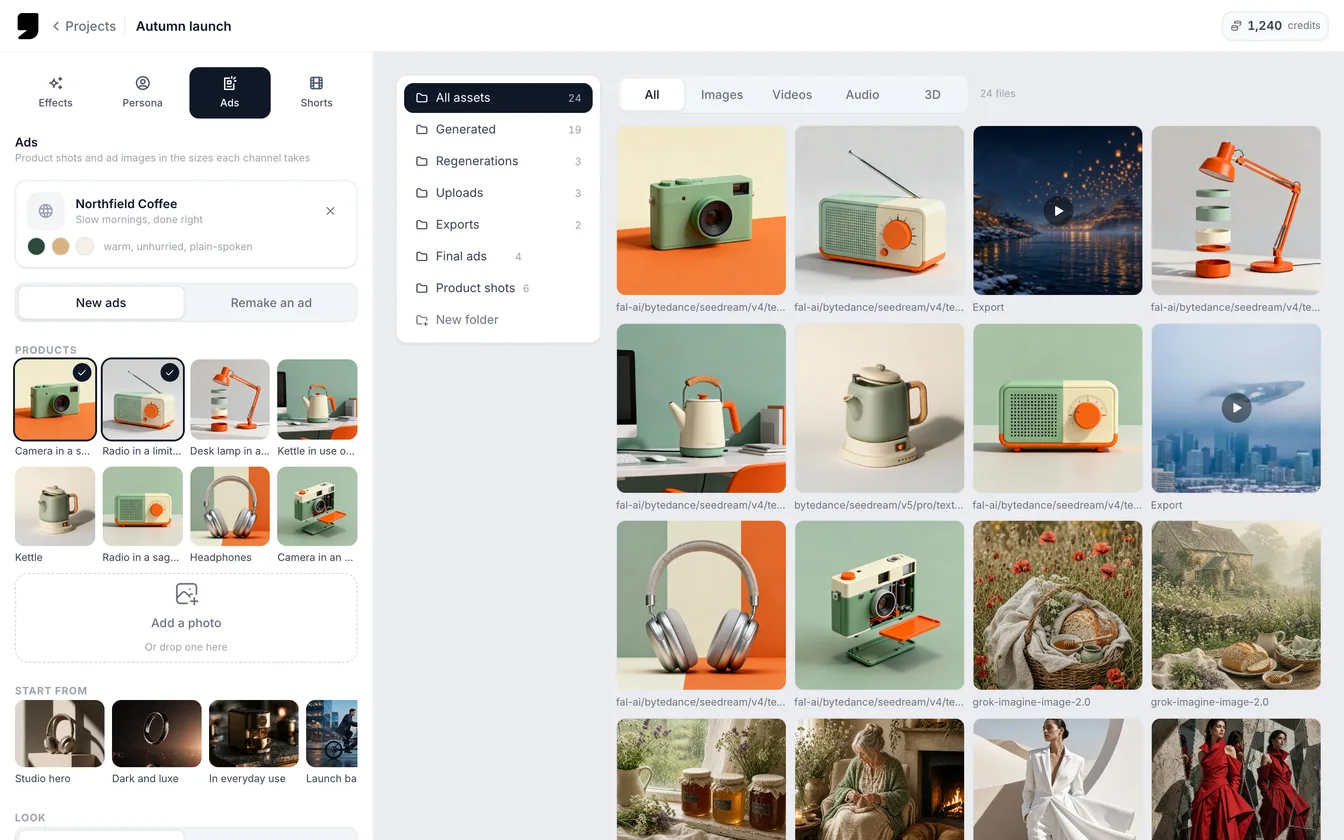
Ads in genvi Formats used to start with one product photo. Now they can start with a brand. Type in a website and genvi reads the brand kit, then makes ads for every product you pick, in every size you tick. A brand kit is a short summary of a brand: its name, colours, logo and products.
Read a brand kit from a website
- Open a Formats project and choose Ads.
- Under Brand (optional), type the website, for example
brand.com, and press Read. - genvi shows the brand kit it found. Choose Use another brand to start over.
The kit includes the brand's name, a short description and tagline, and its tone. It also has up to four selling points, up to five of its own colours (plain greys are left out), its logo and up to eight products. We copy the logo and product pictures into your storage under the Formats project, so the ad models can always get to them. If you would rather skip the website, add a product photo instead. To learn how the reading works, see reading a brand kit from a website.
Two ways to make ads
A switch called What to make gives you two choices.
New ads
Pick your products. One setup then covers all of them. Choose a Look: Studio, Lifestyle, Flat lay, Bold colour or Dark and luxe. Add a Headline if you like. Turn on Put the logo on it to use your logo too. Then tick the Sizes: Square 1:1, Story 9:16, Landscape 16:9 and Portrait 4:5. genvi makes one ad for each product in each size, in the brand's colours and tone. Three products in four sizes makes twelve ads, and the button reads Make 12 ads. The results appear side by side in the project's assets.
Remake an ad
Already have an ad that works? Add it under The ad to remake, then pick Products to remake it for. Each product gets the same ad, with the same layout, light and style.
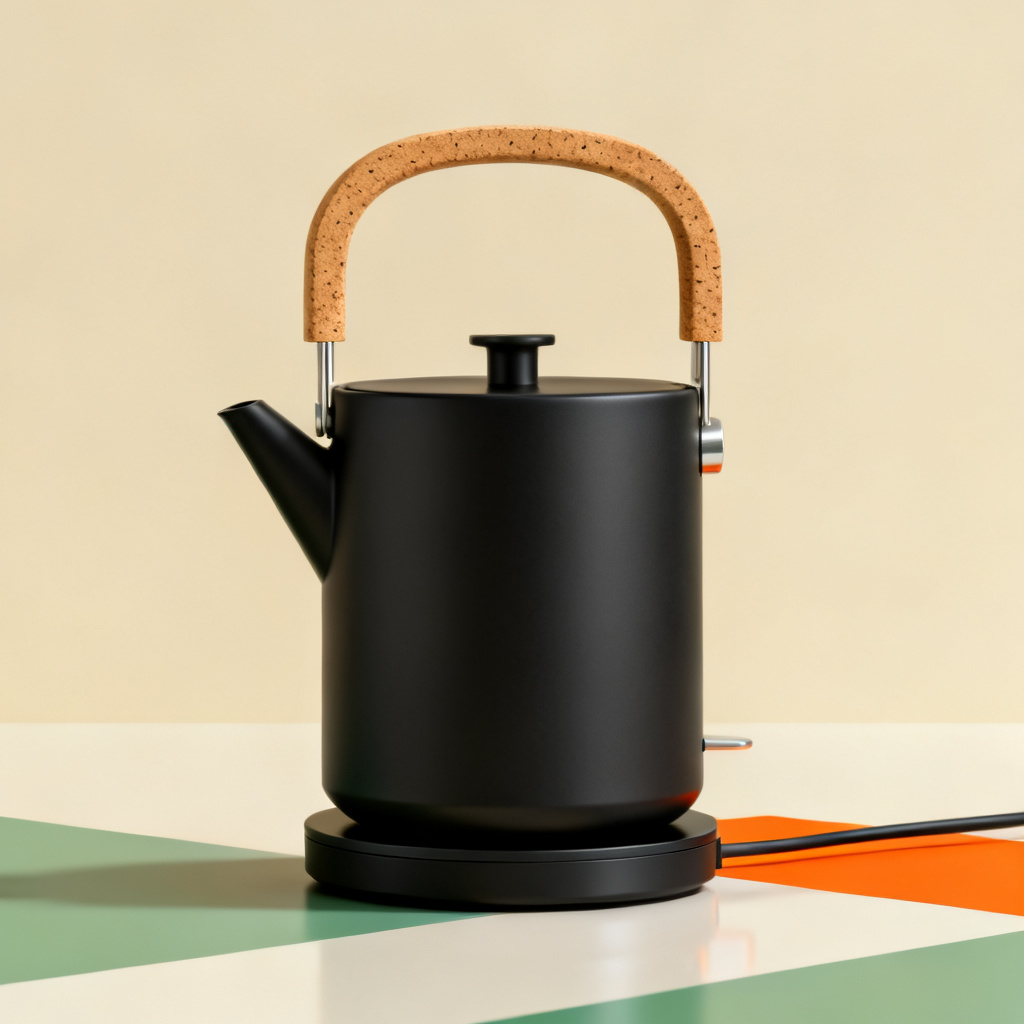
A ceramic kettle with a cork handle, a product render made with Seedream v4. The kind of product shot an ad starts from.
What it costs
Each ad costs credits like any other generation. The button shows an estimate for the whole batch before you press it. Making ads for many products adds up, so check the count on the button. Ads also works on the phone, in the same Formats project.
New to Formats? Start with Formats: a studio for Effects, Persona and Ads.