October 27, 2026
Reading a brand kit from a website
Paste a web address and genvi finds a brand's name, colours, logo and products. Here is how the page is read and why we copy the pictures.

The Ads part of genvi starts with a brand kit. A brand kit is the basic look of a business: its name, tagline, tone of voice, selling points, colours, logo and products. Typing all of that is the part people skip. So you can paste a website address and we read it for you. Here is how we read a brand kit from a website, and why we made the choices we did.
Most of it does not need an AI model
It is tempting to give a whole web page to an AI model and ask for a brand kit. We use a model for one thing only, the writing. Everything else we find with plain, simple matching. Our app, our server and our tests all share the same way of reading a page.
- Name and description: taken from the page's meta tags, which are hidden details that describe the page. If those are missing, we use the page title.
- Colours: the page's main theme colour first, then the colours it uses most, up to five. Plain greys are left out, because black and white are on every site and say nothing about a brand.
- The logo: we look for a picture marked as a logo, then for the page's app icons. App icons are bigger and sharper than the tiny browser icon. We try up to four.
- Products: if the page lists its products in a structured way, we use that. If not, we use the page's large pictures, and skip icons, tracking pixels, badges and anything narrower than 240 pixels.
If one part of a page is broken, we skip it and keep going. Reading a page is forgiving on purpose, because the web is messy.
What the AI model writes
The model makes one short call per kit. It writes the brand's name and a tagline of under eight words in the brand's own voice. It also gives three to five words describing the tone, and two to four selling points. It is told to use only what the page says. It sees the site name, title, description and a short piece of the page's text. We check the answer carefully, and throw it away if it is not a proper summary. We cover the cost of this ourselves, because the ads you make with the kit are what you pay for.
If the model fails, your kit still works. We fall back to the site name and the first sentence of the description, with no tone. The product is still useful without the adjectives.
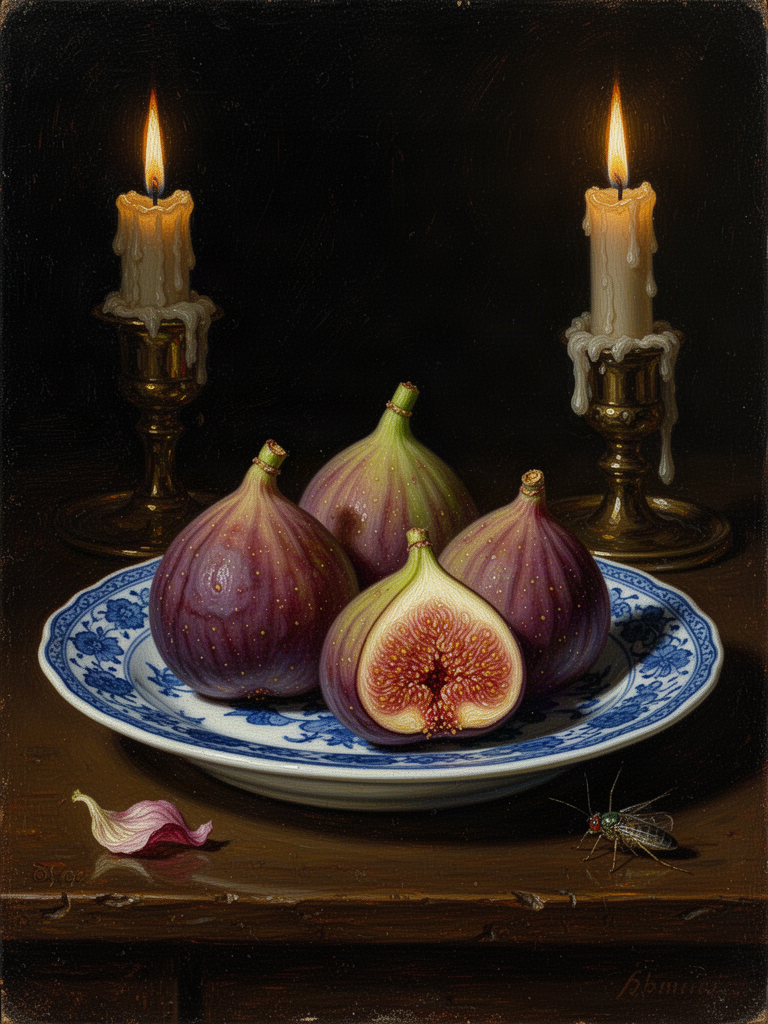
A palette read from the picture itself: fruit, porcelain, candlelight. Made with FLUX.2 Flash.
Every web address is checked for safety
You give us an address and we go and get it. That could be abused, so every page and picture goes through our safe download check, which keeps a pasted address from reaching anything private. A page can be up to 3 MB and a picture up to 8 MB, and we give up after 15 seconds. If a page is not a web page or gives an error, you see: "That site could not be read. Check the address, or add the products by hand."
Why we copy the pictures
This is the choice we would defend the most. If we only linked to a product picture on the other site, it could break. Our ad model would have to download it every time, and many shops block anyone who is not visiting their own pages. So we copy the logo and the product pictures into your own storage, under the Formats project. That also means they show up in your project's assets.
A copy still has to pass our checks. We confirm each picture really is a PNG, JPEG or WebP. It passes the same safety check as any upload, and counts toward your storage. Anything smaller than 12 KB is treated as an icon, not a product. If a picture fails any step, it is left out. The rest of the kit is kept.
All of this runs at the same time: the model, the logo search and every product picture. At most 8 products are kept.
From brand kit to ad
The kit becomes plain words that an image model can use, such as your brand colours and tone. Ads then has two modes. New ads makes one setup for every product you choose, in every size. Remake an ad takes an ad that works and makes it again for each product. The logo is added only when you ask for it.
How we check it
Because reading a page needs no network, we can test it with plain text. Our checks confirm that a page gives its name, words and colours. The logo is found before the small browser icon. Products come first from structured data. Greys are ignored. A bare website name is tidied up, and anything that is not a web address is refused. They also check the ad options: every product in every size, the logo only when asked, and the right order of pictures for a remake.
Keeping the page reading separate from the server work paid off right away. Almost anything that can go wrong on a real page can be tested with a piece of text.