October 26, 2026
Shorts: give genvi a topic, get an editable short video
Shorts in Formats turns a topic into a script, scenes, voice-over, music and captions, all cut into a video project you can still edit.
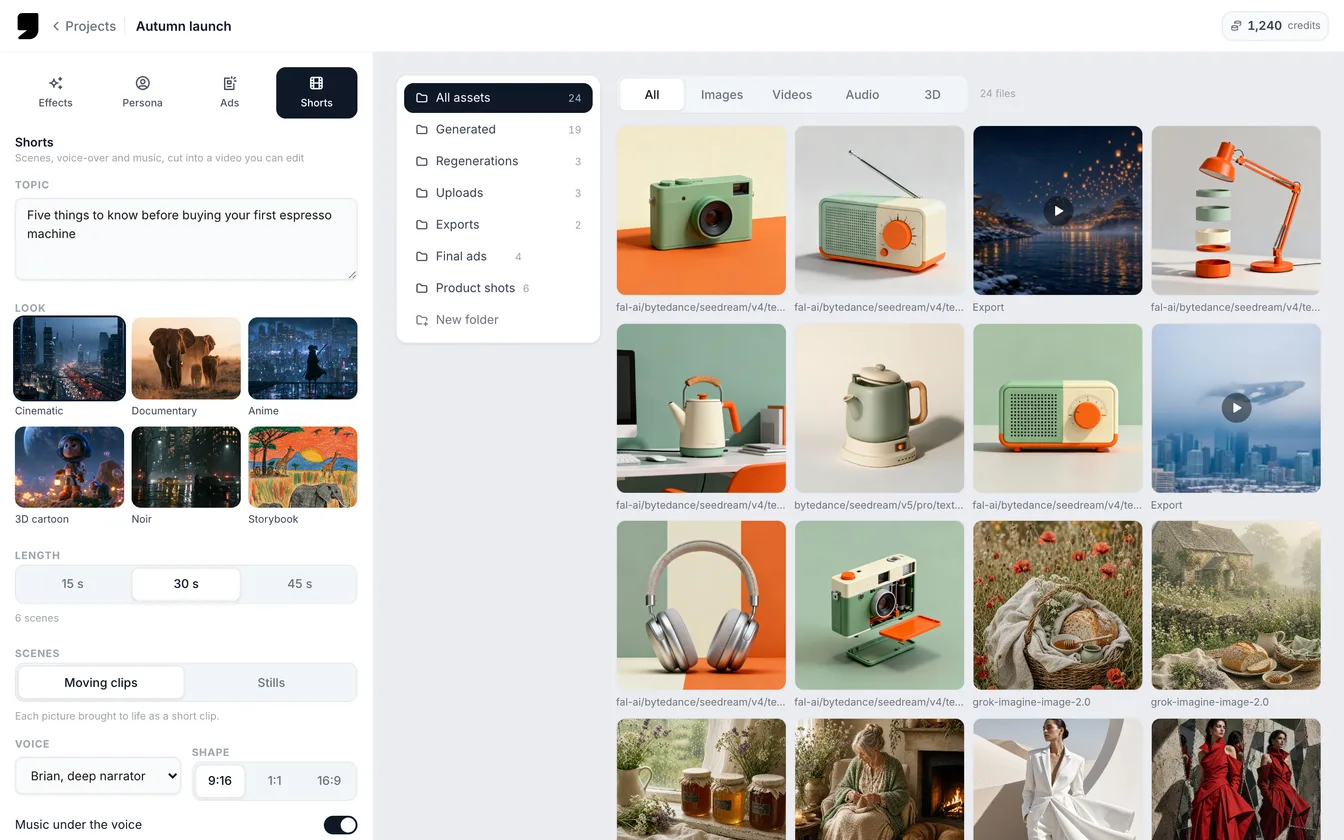
Shorts is the fourth format in Formats. Type a topic, and genvi makes an editable short video from it. It writes the script, makes a picture and a clip for each scene, and adds a voice-over, music and captions. You do not get a flat file. You get a Video Composer project that is already cut together, so you can change anything you like.
Make a short video from a topic
- On the dashboard, open the Formats tab and choose Shorts.
- Write your Topic, up to 400 characters. For example: why octopuses are smarter than they look.
- Pick a Look: Cinematic, Documentary, Anime, 3D cartoon, Noir or Storybook.
- Set the Length to 15, 30 or 45 seconds. Each scene is about 5 seconds, so a 30 second short has six scenes.
- Choose Scenes as Moving clips or Stills. Pick a Voice (Brian, Rachel, Charlotte, George, Aria or Liam) and a Shape of 9:16 (tall), 1:1 (square) or 16:9 (wide).
- Leave Music under the voice on, or switch it off.
- Press Make the short.
The defaults are Cinematic, 30 seconds, moving clips, the voice Brian, music on and 9:16.
What happens next
You can watch the progress next to the form, scene by scene. genvi writes the script, makes a picture and a clip for each scene, records the voice-over and makes the music. Then it puts everything together. Each scene lasts as long as its lines take to say. Captions appear on the spoken words, the music plays under the voice and the title shows over the opening.
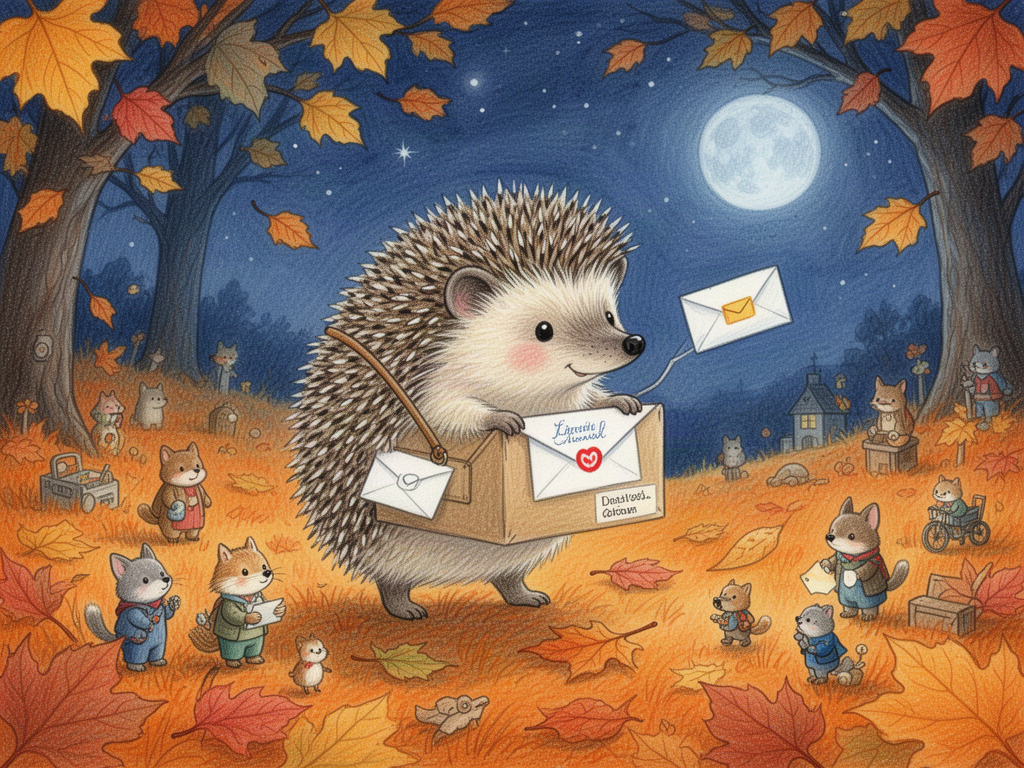
A hedgehog delivering letters in autumn leaves, a picture-book scene made with FLUX 2 Flash. The Storybook look aims for pictures like this.
When it finishes, press Open in Video Composer. There you can edit it like any other video project, then export it.
It runs on our servers
A short keeps going if you close the tab or the app. Come back later and your progress is still there. Press Stop to cancel one. Anything already finished stays in the project's assets. If a clip fails, that scene uses its still picture, so the video is still complete.
What it costs
You see the price before you start. The button shows the estimate: Make the short · about … credits. At launch, a 30 second short with moving clips comes to about 987 credits. The same short made of stills comes to about 327. Your price depends on the length, clips or stills, and the models used, so check it before you press the button.
Shorts also checks your plan's video project limit before it spends anything. To see the other formats, read Formats: a studio for Effects, Persona and Ads. For a longer walk-through, see how to turn a topic into a short video.