October 26, 2026
Project assets: every file a project makes, in its folders
Every picture, clip, upload and export is saved with its project, in folders on a new Assets page and in the phone Library.
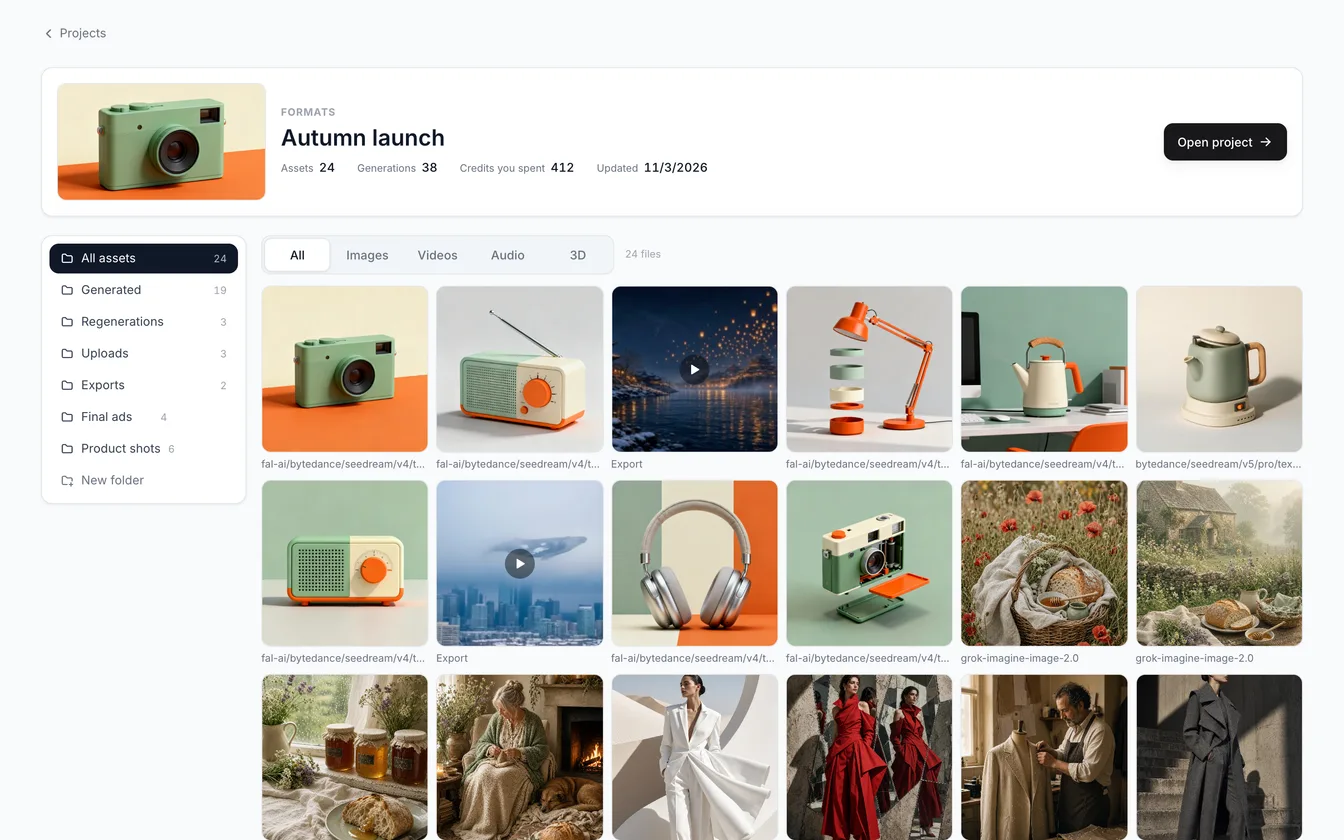
Project assets are now kept with the project that made them. Before, every file went into one big library. Finding last Tuesday's clip meant scrolling. Now each project has its own Assets page, with folders.
What project assets include
Everything a project makes is saved to it: what you generate, files you upload, and 3D exports and screenshots. Each project has these folders:
- All assets: everything in the project.
- Generated: what your generations made.
- Regenerations: the earlier versions you get when you run the same step again.
- Uploads: files you add to the project.
- Exports: painted 3D models, maps and screenshots you save.
You can make your own folders too. Choose New folder, select some files, then choose Move to folder. To take a file out of a folder, choose Out of any folder. You can also filter by All, Images, Videos, Audio or 3D.
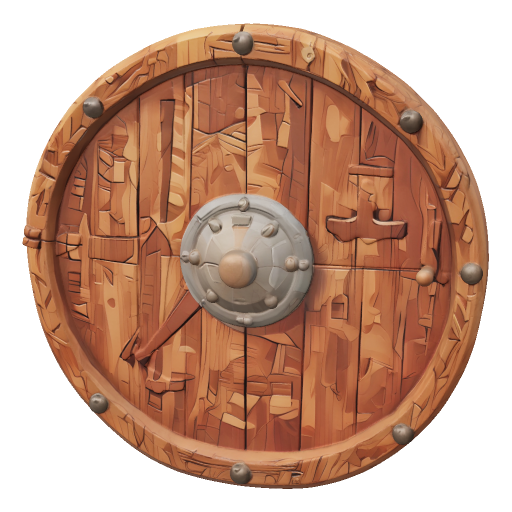
A wooden viking shield, a 3D model made with Tripo3D v2.5. 3D models sit in the grid beside pictures, clips and audio.
Where to find your project assets
- On the dashboard, choose Assets on a project card. You see the project's files, a few numbers (Assets, Generations, Credits you spent and Updated) and an Open project button.
- In the Node and 3D studios, open the files panel. It starts on the This project tab. Switch to All files to see everything you own. You can drag a file from This project onto the canvas.
- In the phone app, open a project card's menu and choose Assets. The Library opens for that project, with its folders as small buttons.
Shared projects
People you share a project with can see its files. You can move or remove only the files you made. You cannot rename, move or delete a teammate's file, but on your phone you can still share or save it. The Assets page shows the newest 3,000 files in a project.
Older files
Past work is filed too. Older files that we could match to a project are now in that project's folders. The few we could not match stay in your library under All files.
Formats projects, which also launched today, save their results the same way. Read Formats: a studio for Effects, Persona and Ads.