May 30, 2026
Your first workflow in Node Studio
Ten minutes, three nodes, one generated image. The picture at the end is not really the point. Understanding why a canvas beats a prompt box is.
A prompt box gives you one result. A canvas gives you a machine that makes results, and you can change one part of it without retyping the rest. Here's the smallest useful version of that.
What you're building
Two text nodes feeding an image generation node. One text node holds your subject, the other holds the art direction. Change either one and run it again: everything else stays exactly where it was.
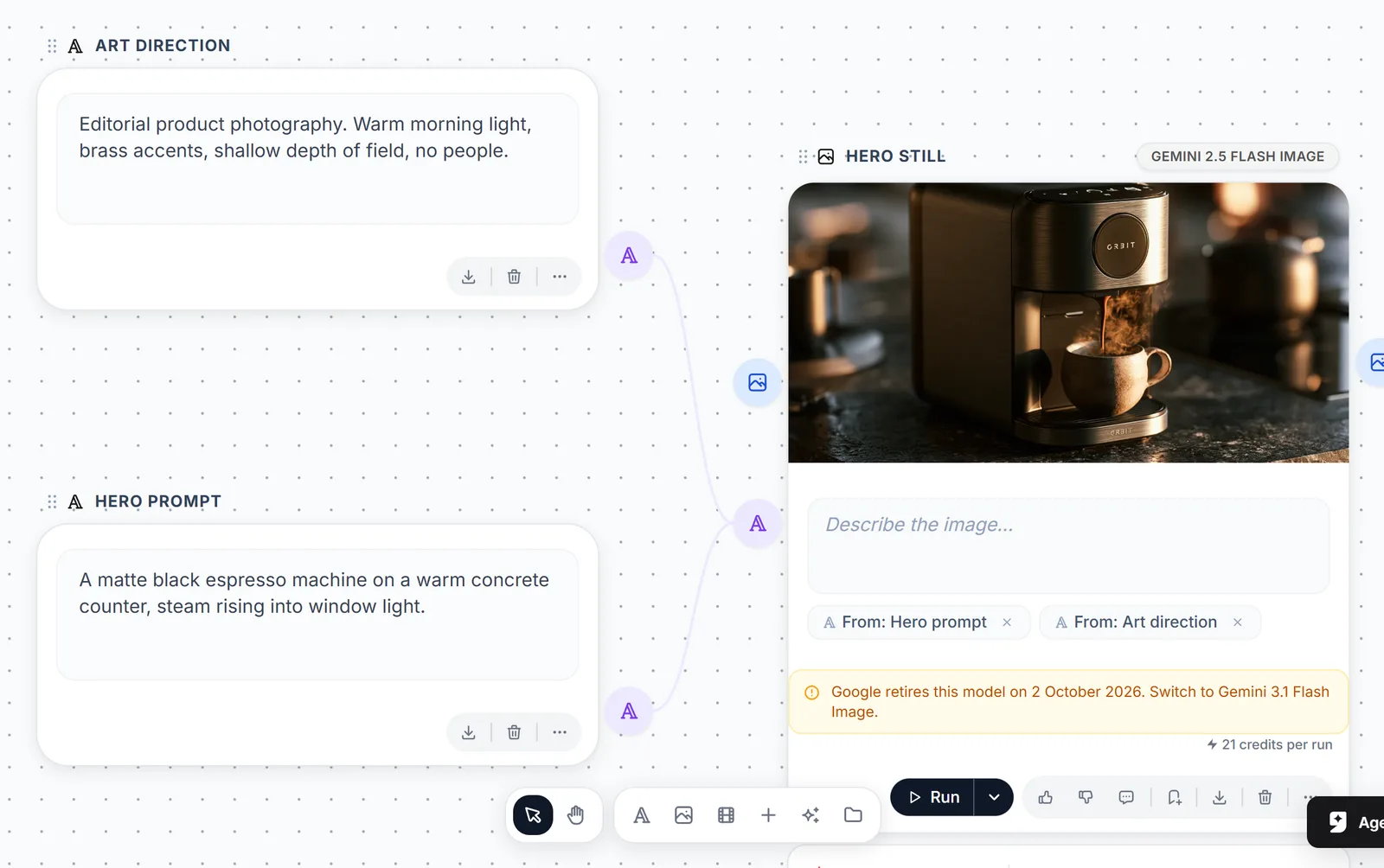
The whole thing: two text nodes on the left, one generation node on the right, and the chips under the prompt showing which node each line came from.
Step by step
- From the dashboard, create a Node Studio project and give it a name.
- Open the node bar and add two Text nodes and one Image Generation node.
- Drag from each text node's output handle to the generation node's prompt input.
- Write your subject in the first text node, and your direction in the second: lens, light, mood, palette.
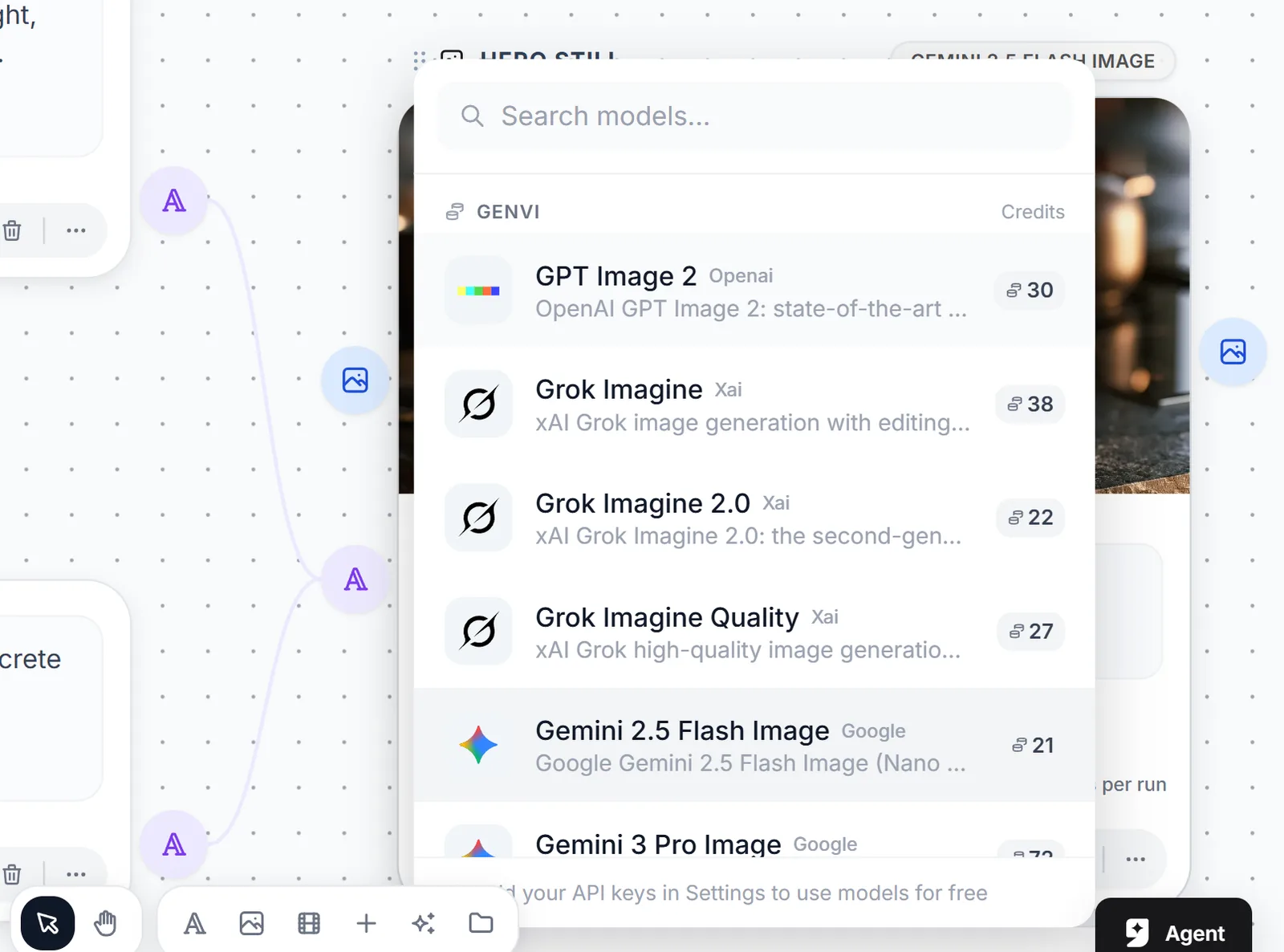
- Pick a model on the generation node. Its credit cost sits right next to the name.
- Hit Run on the generation node and watch it stream in.

Step 3 in motion. Drag out of the output handle and drop it on the prompt input, and the generation node picks the text up straight away.
The result lands on the node itself, which is what turns that node into a reusable part instead of a one-off. It stays put while you change things upstream.
Now do the thing a prompt box can't
Change only the art-direction node and run it again. Your subject is untouched, so you're comparing two directions of the same idea and not two unrelated generations. Isolating one variable is the entire argument for working this way, and you feel it the first time you do it.
Keep your constants somewhere better. Once the same art direction shows up in three projects, stop copying it between canvases. It belongs in the Reference Library as a style reference.
Where to go next
Add an Image Editing node downstream to retouch without regenerating, or an Upscale node before you export. Every node you add is one more thing you can change on its own later.