May 28, 2026
Whiteboard: think before you generate
An infinite canvas for the part of the work that happens before a prompt exists: moodboards, structure, sketches, and an AI that can draw straight onto the board.
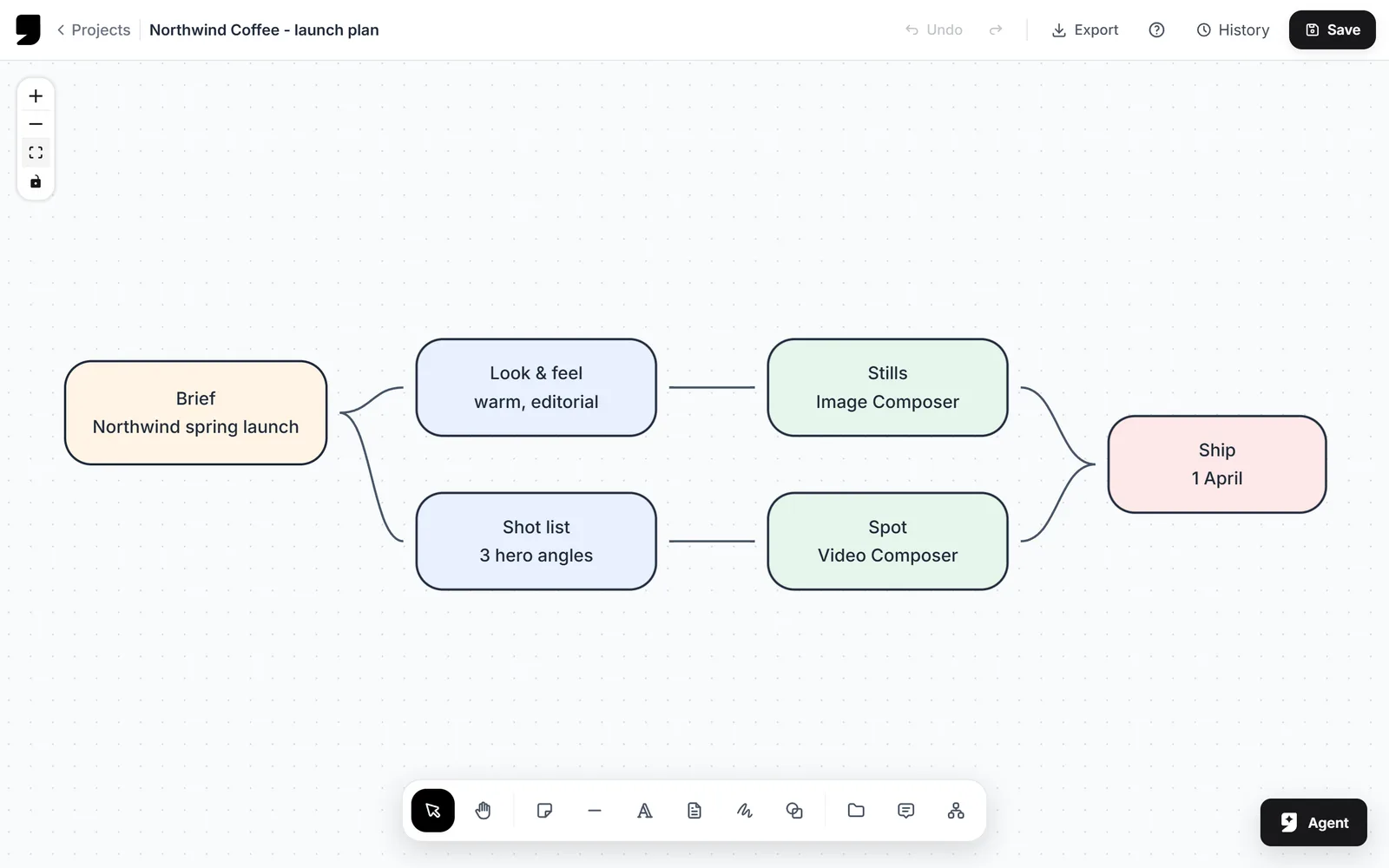
Most creative work starts as a mess on a wall. The whiteboard is that wall, and it lives inside the same project as everything the mess will eventually turn into.
The tools you'd expect
Shapes, connectors, freehand drawing, text and sticky notes. Styling lives in the dock, so you're not fighting a floating palette that's covering the bit of the board you're working on.
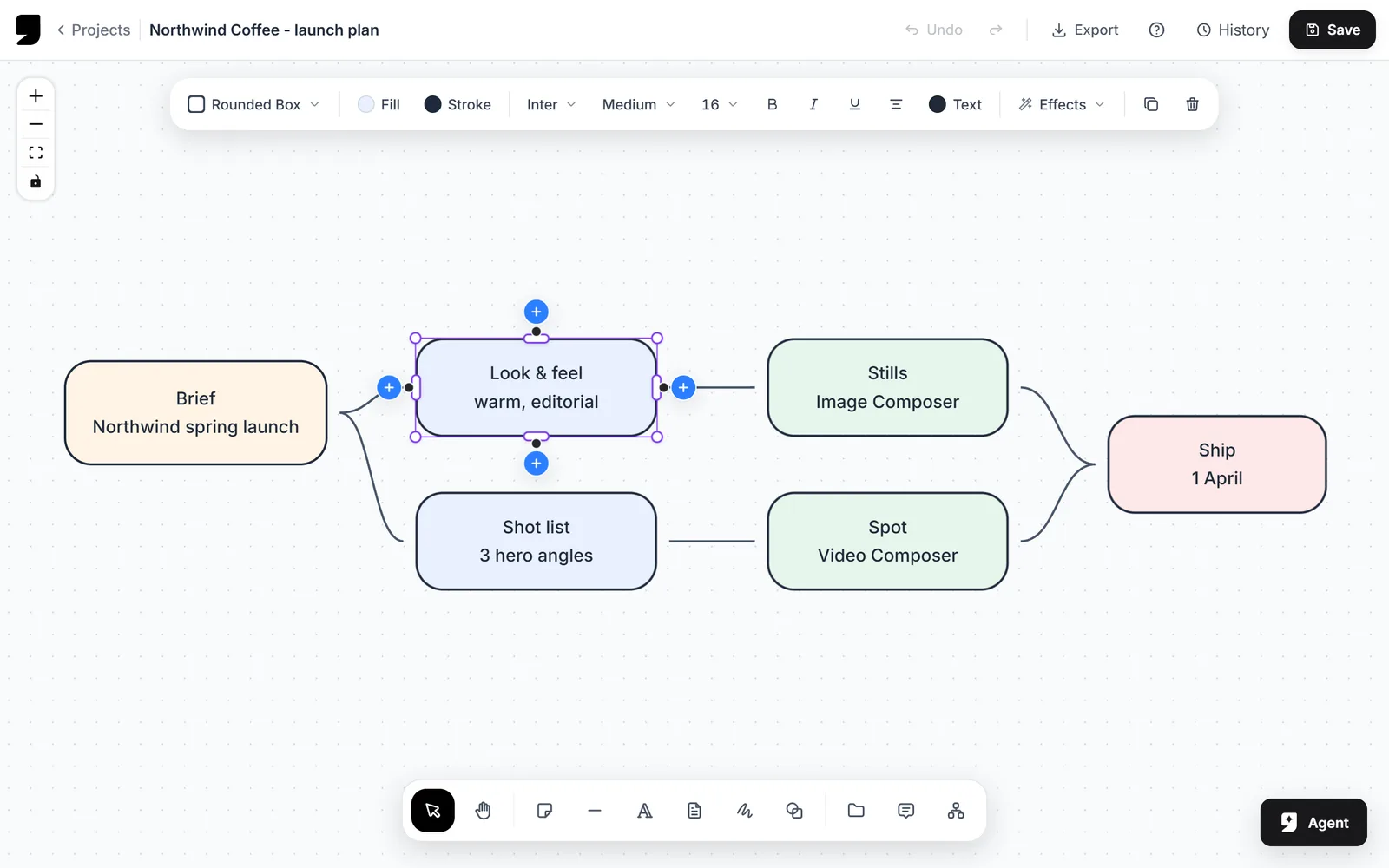
Shapes, lines and notes, styled from the dock instead of a palette parked on top of your work.
And an AI that draws on the board
The AI canvas takes a plain-language instruction and puts the result onto the board as real objects you can move, restyle and delete. Ask for a flow, a structure or a set of notes and you get board content back, not a flat picture of board content.
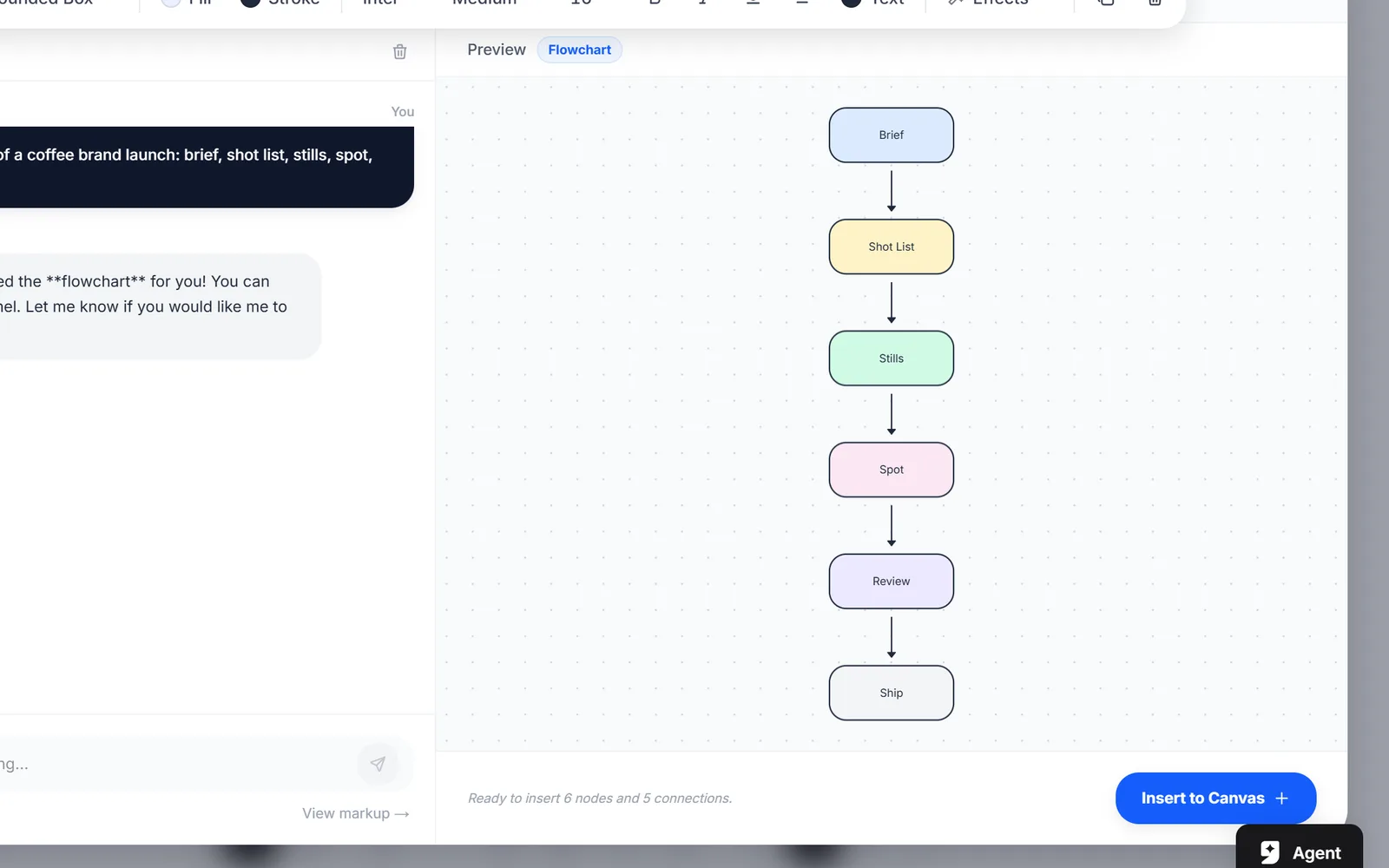
Everything arrives as editable objects, so the board stays a board.
It's all one project. A moodboard here and a pipeline in Node Studio are two views of the same piece of work, sharing your files and your reference library.