September 2, 2026
The Reference Library: describe it once, use it everywhere
Your character, your product, your location, your look. Written down once, given a handle, and dropped into any prompt by typing @.
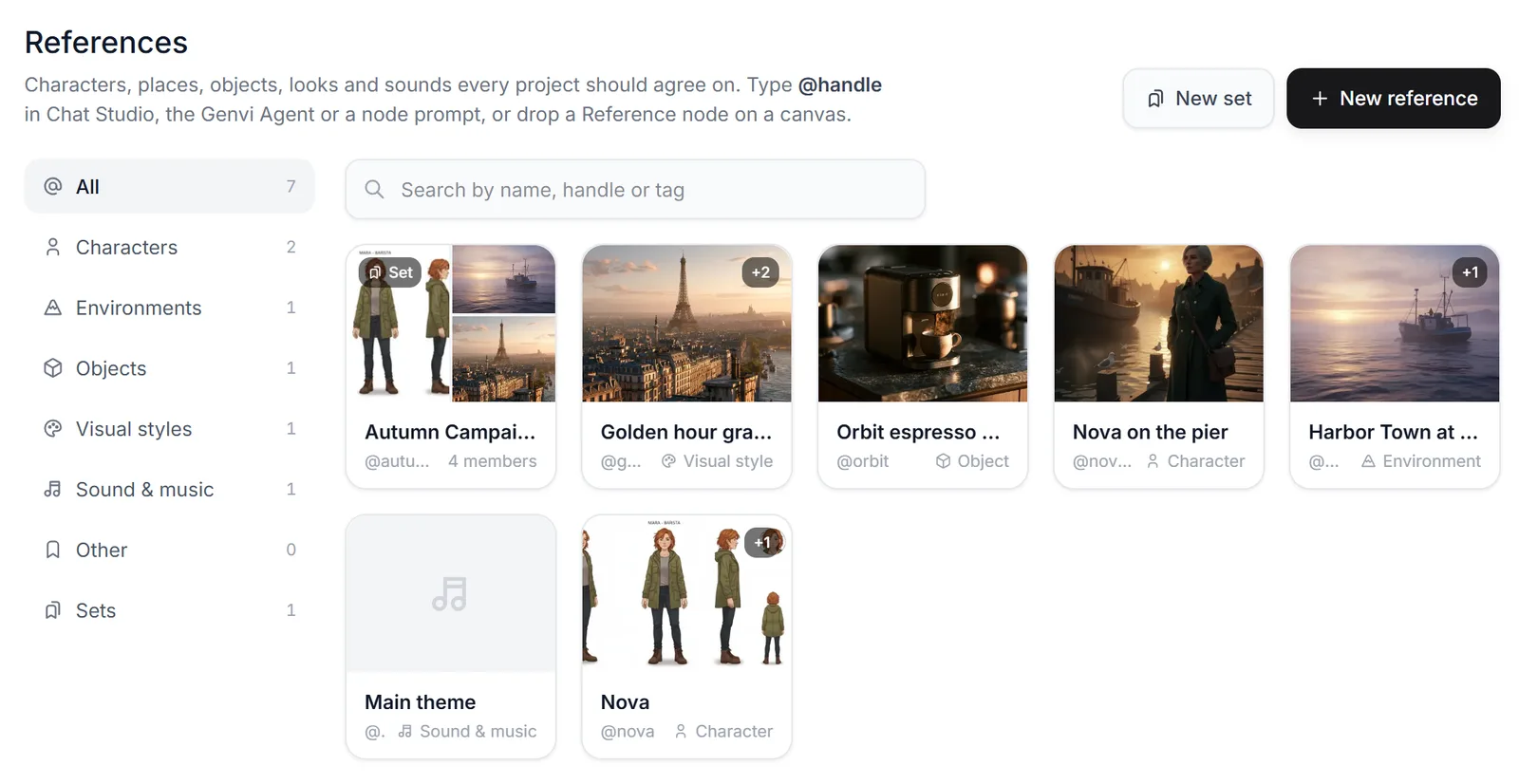
Ask anyone who has made more than three shots with AI what goes wrong, and you'll get the same answer. The character drifts. The product looks different in the video than it did in the photo. And the paragraph that finally fixed it is now living in your clipboard, getting pasted into every single prompt.
A reference is just a description with a name
You give it a handle, say what kind of thing it is, write a description meant for a model to read, and add up to twelve pictures. After that, typing @handle in any composer pulls in the same words and the same pictures, every time.

Type @ and your library opens, filtering as you go. Pick one and it joins the Using row under the composer.
We send your words, not our version of them
Your description goes in exactly as you wrote it. We were tempted to let the model tidy it up first. Then we thought about what that would actually do. A rewrite of "the green wool coat with brass buttons" loses the exact detail you were trying to pin down. So it goes through untouched, even when the model planning your turn is rephrasing everything around it.
Sets, and a node
A set bundles several references under one handle, so a cast, a product range or a whole visual world arrives with one mention. And on the node canvas a reference is also a node, which is nicer when several generations share the same subject: swap the node and everything downstream follows.
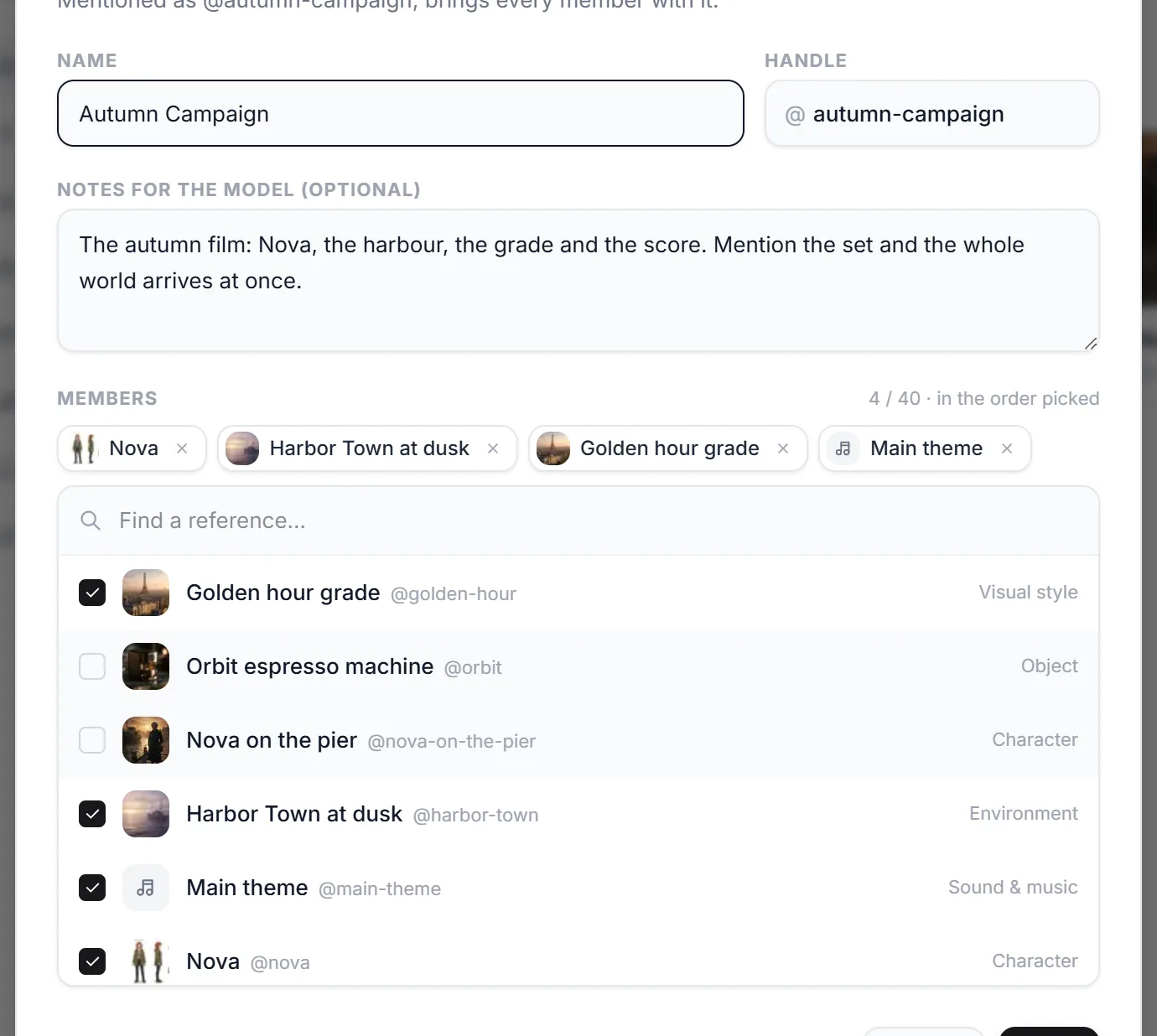
One set, four members, in the order they get read. Mention @autumn-campaign and all four arrive together.