August 21, 2026
Chat Studio: describe it, get it back
Sometimes you know exactly what you want and you just want to ask for it. Chat Studio is one box, one sentence, and the result comes back in the thread.
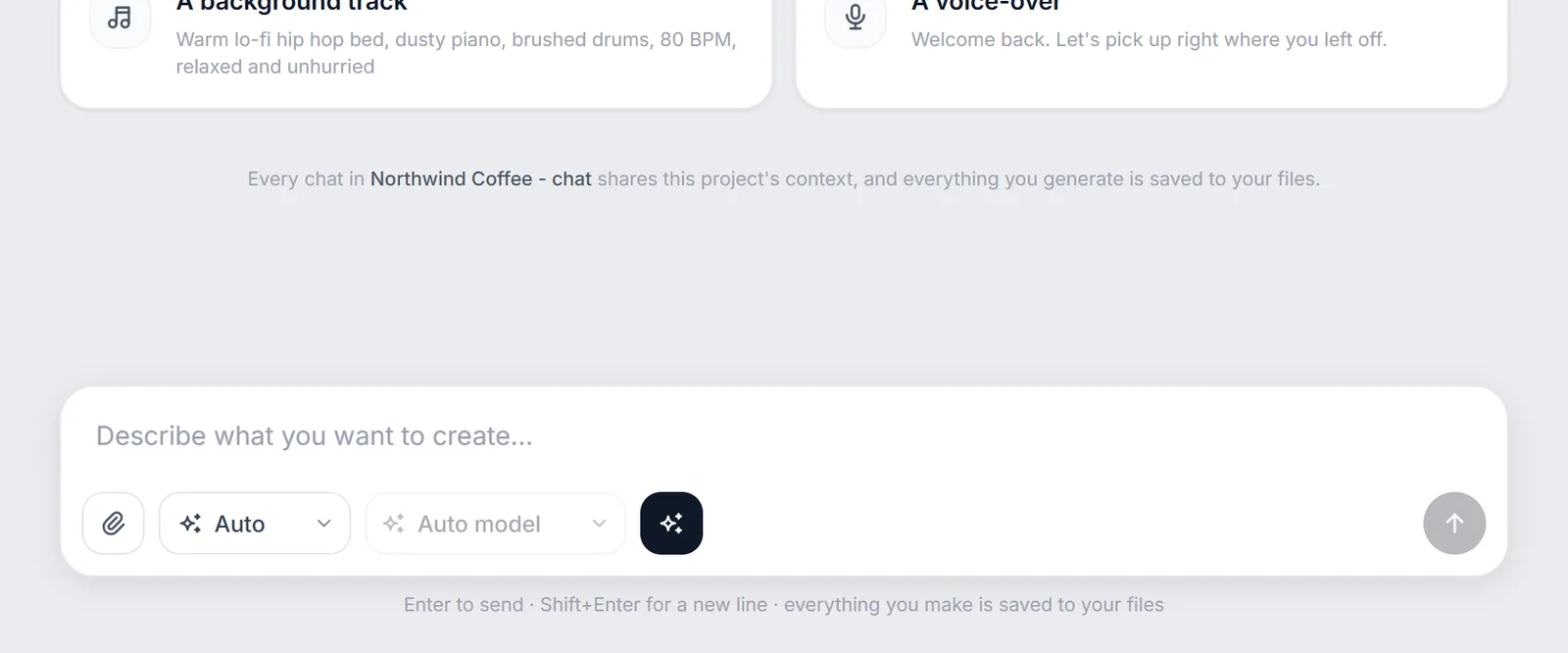
We kept watching people open a node canvas, add two nodes, generate one image and leave. They didn't want a pipeline. They wanted a picture. So we built the other end of the tool.
It picks the model, unless you'd rather
Leave the kind on Auto and genvi works out what you asked for: an image, a video, music, speech or a 3D model. Then it picks a model that can make it. It tells you why it chose what it chose, so you're never staring at a result wondering where it came from. If you'd sooner decide yourself, pin a kind or a model and your choice wins every time.
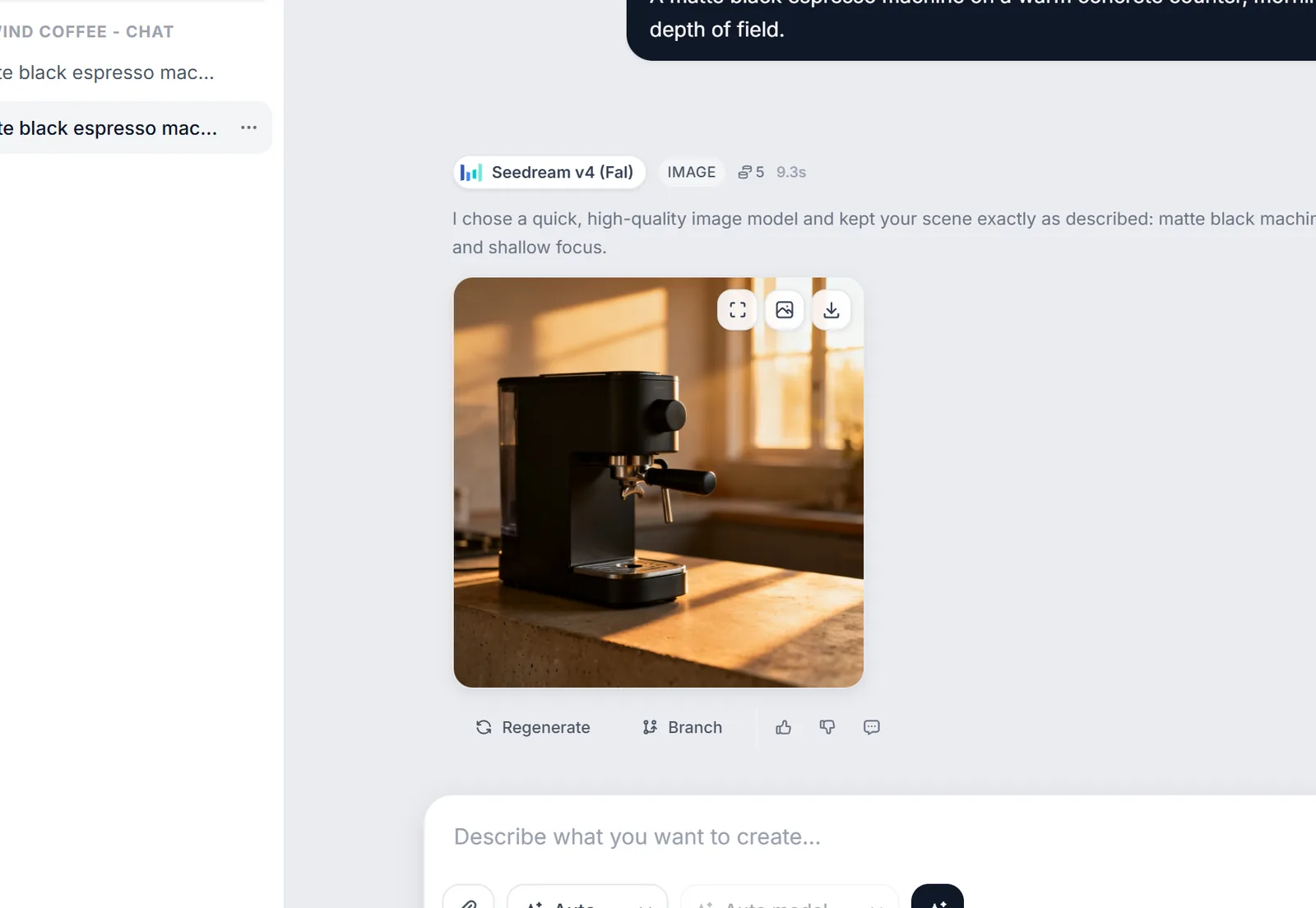
Every result keeps its actions: regenerate it, branch from it, rate it, or send it straight to your files.
The thread is the project
Every result stays in the conversation and stays usable. You can send an image back as a reference for your next message. You can drop it into your files. Or you can hand it to the Reference Library, so the next generation agrees with it. We didn't want a transcript of your work sitting next to your actual work. The thread is the work.
You always see the price first. The estimate sits on the composer before you send, and the real cost is recorded against the result afterwards. No surprises at the end of the month.
When to use it, and when not to
Chat is the fastest way to get one good result. The canvas is better when you want that same result twenty times with one thing changed. Most people we talk to end up using both: chat to find the look, then a canvas to produce the set.