June 20, 2026
3D Studio: from a sentence to a mesh
Generate a 3D model from text or an image, then light it, move the camera around it, remesh it and retexture it. In a viewport, not a file format.
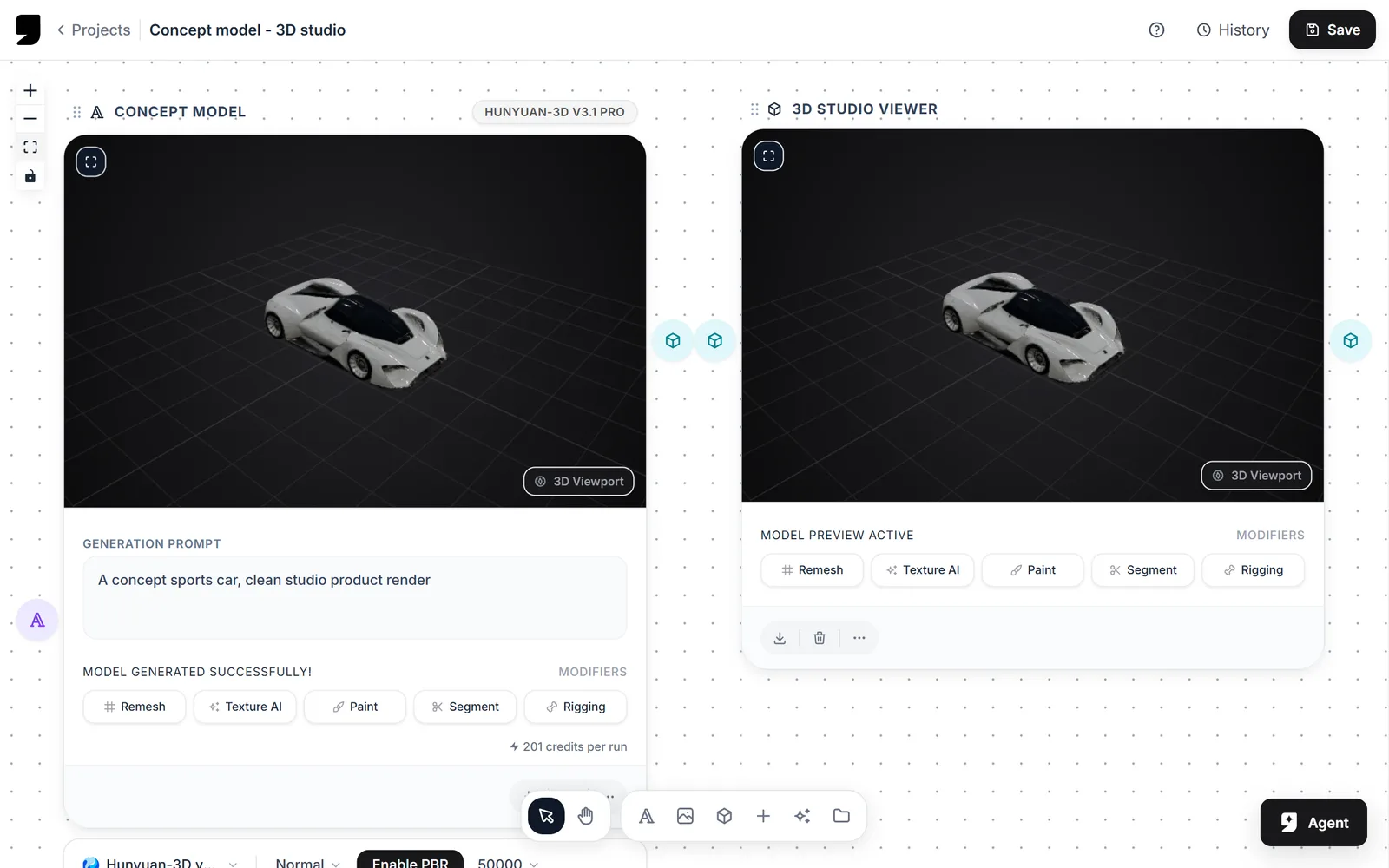
3D is the newest of the generative modalities and the one most likely to hand you something you can't use. We built the studio so that whatever you generate is something you can inspect and repair, instead of downloading it and hoping.
Generate, then look at it properly
Orbit, pan and zoom with real viewport controls. Swap the environment and the lighting so you're judging the mesh and not the default studio lighting. Turn the grid and axis helpers off once you've finished measuring things.
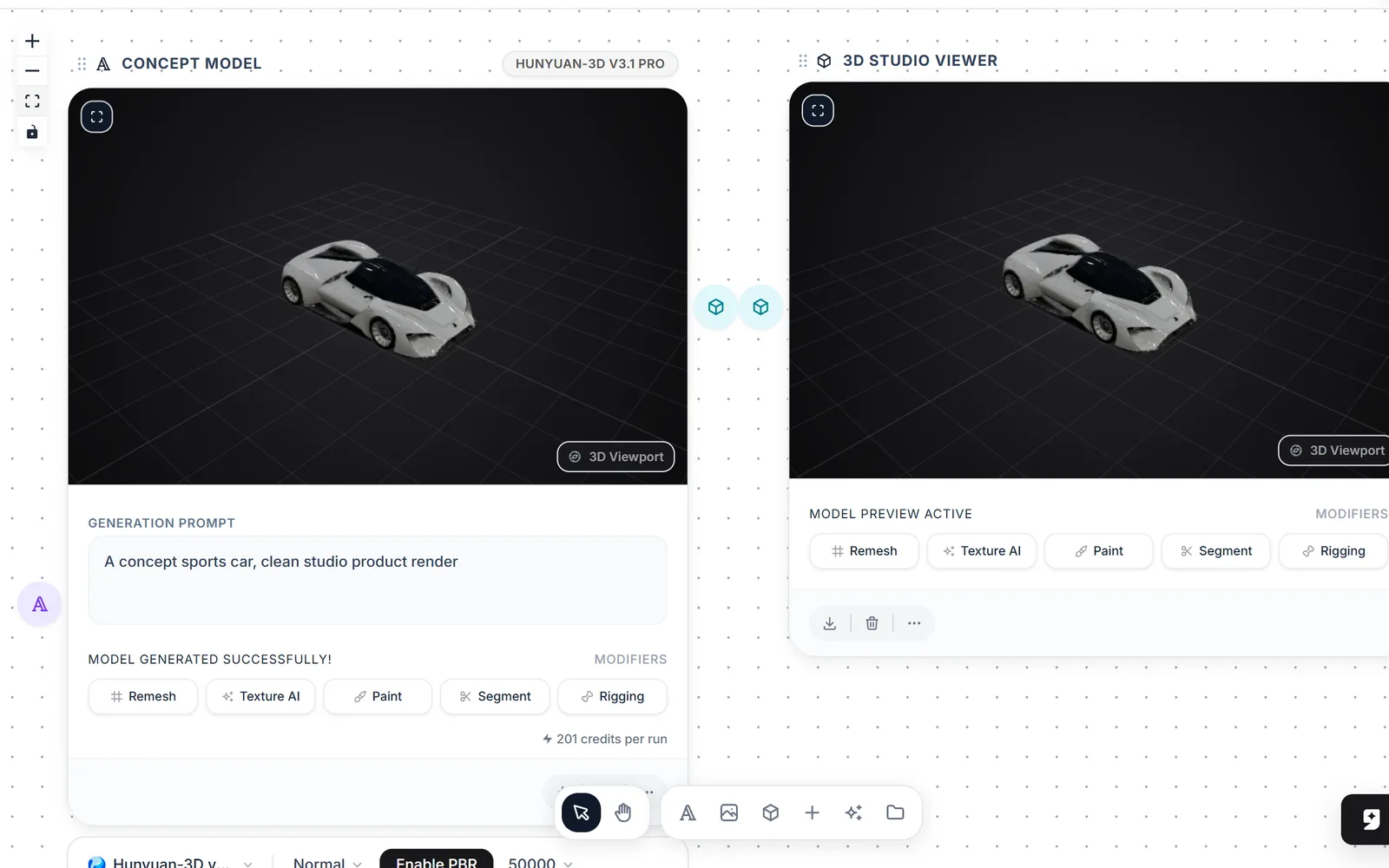
Look at a mesh properly, and under more than one setup, before you decide it is wrong. It often is not.
Modifiers
| Modifier | What it does |
|---|---|
| Remesh | Rebuilds the surface out of tidy, evenly sized faces, up to a polygon count you choose |
| Texture AI | Re-textures an existing mesh, and makes the extra maps a game engine needs to light it |
| Rigging | Adds a skeleton to a character mesh |
| Segment | Splits a model into parts |
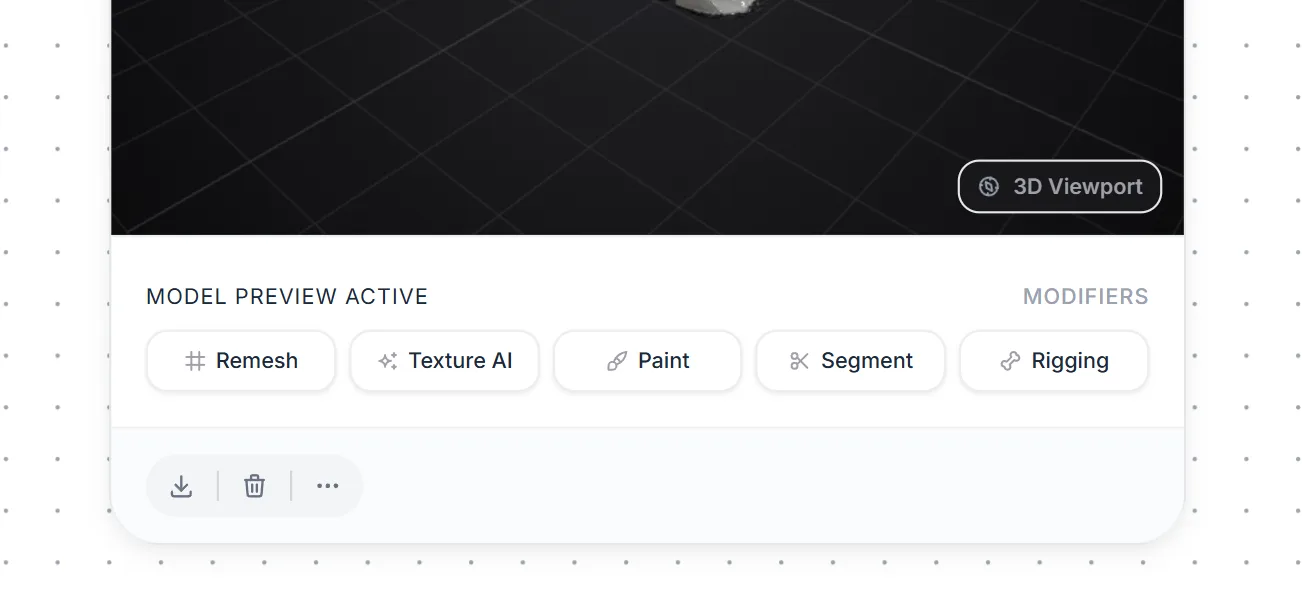
The modifiers sit under the viewport and act on the mesh you are looking at.
It's part of the pipeline
A model can be fed in from a node on your canvas, and the renders you take can go to your files or straight into the Reference Library. That last bit matters more than it sounds, because it means the same object can anchor an image generation later.