July 26, 2026

How Genvi Exports Video Inside Your Browser Tab

We render every frame of every export on your machine, WebCodecs for encoding, WebGL for compositing, a worker pool for decode. Here's the pipeline, and why we tore out FFmpeg WASM to build it.

How Genvi Exports Video Inside Your Browser Tab

No Render Farm: How Genvi Exports 4K Video Inside Your Browser Tab

Welcome to the Genvi dev blog. We build a node-based platform for generating and editing AI video and images, a node canvas for chaining models, plus video, image, whiteboard and 3D editors that share one canvas engine. We'll use this space for the engineering behind it: what we built, what we tore out, and what we got wrong on the way. Starting with the decision that shapes almost everything else about Genvi: we don't own a render farm.
The bill nobody warns you about

Every browser-based video editor eventually reaches the same fork. A user hits Export. You have two options.

Option one: ship the timeline to a server, spin up an encoder, render, store the file, hand back a URL. This is the industry default. It also means every second of exported video costs you CPU time and egress, a cost that scales linearly with success, and lands hardest on the users who love your product most.

Option two: render it on the machine that's already open, already has the media, and is already sitting idle while the user watches a progress bar.

We picked option two. Not because it was easier, it wasn't, but because the alternative puts a meter on creativity. We'd rather spend our compute budget on model inference, which users can't do locally, than on H.264 encoding, which they can.
Attempt one: FFmpeg WASM

The obvious way to render video in a browser is FFmpeg compiled to WebAssembly. It's a remarkable piece of engineering and it got our first export pipeline shipped.

It also has a ceiling. FFmpeg WASM runs on the CPU, single-threaded unless you fight for SharedArrayBuffer, and it needs cross-origin isolation headers (COOP/COEP) that quietly break third-party embeds and any asset you didn't serve yourself. Every frame had to be handed across the JS/WASM boundary as raw pixels. On a long 4K timeline, exports went from "grab a coffee" to "go for a walk."

The deeper problem was architectural: we were compositing frames in one world and encoding them in another, paying a copy for every crossing.

Attempt two: WebCodecs, end to end

The browser already ships a hardware video encoder. Chrome, Edge and Safari expose it through the WebCodecs API, the same silicon your OS uses. There's no reason to emulate one in WebAssembly on top of it.

The current pipeline looks like this:

  • Decode in parallel. A pool of Web Workers pulls frames from source clips, each worker running its own demuxer and `VideoDecoder`. Seeking to an arbitrary timestamp across several tracks at once is the slowest thing an editor does; doing it on the main thread is how you get a frozen UI.

  • Composite on the GPU. Decoded frames land in a WebGL compositor as textures. Transforms, transitions, colour grading, shader effects and text effects are all fragment-shader work, the same code path that draws the live preview, so what you export is what you scrubbed.

  • Encode with hardware. The composited canvas feeds a WebCodecs `VideoEncoder` configured for H.264. Frames never leave the GPU-adjacent path to be marshalled through WASM.

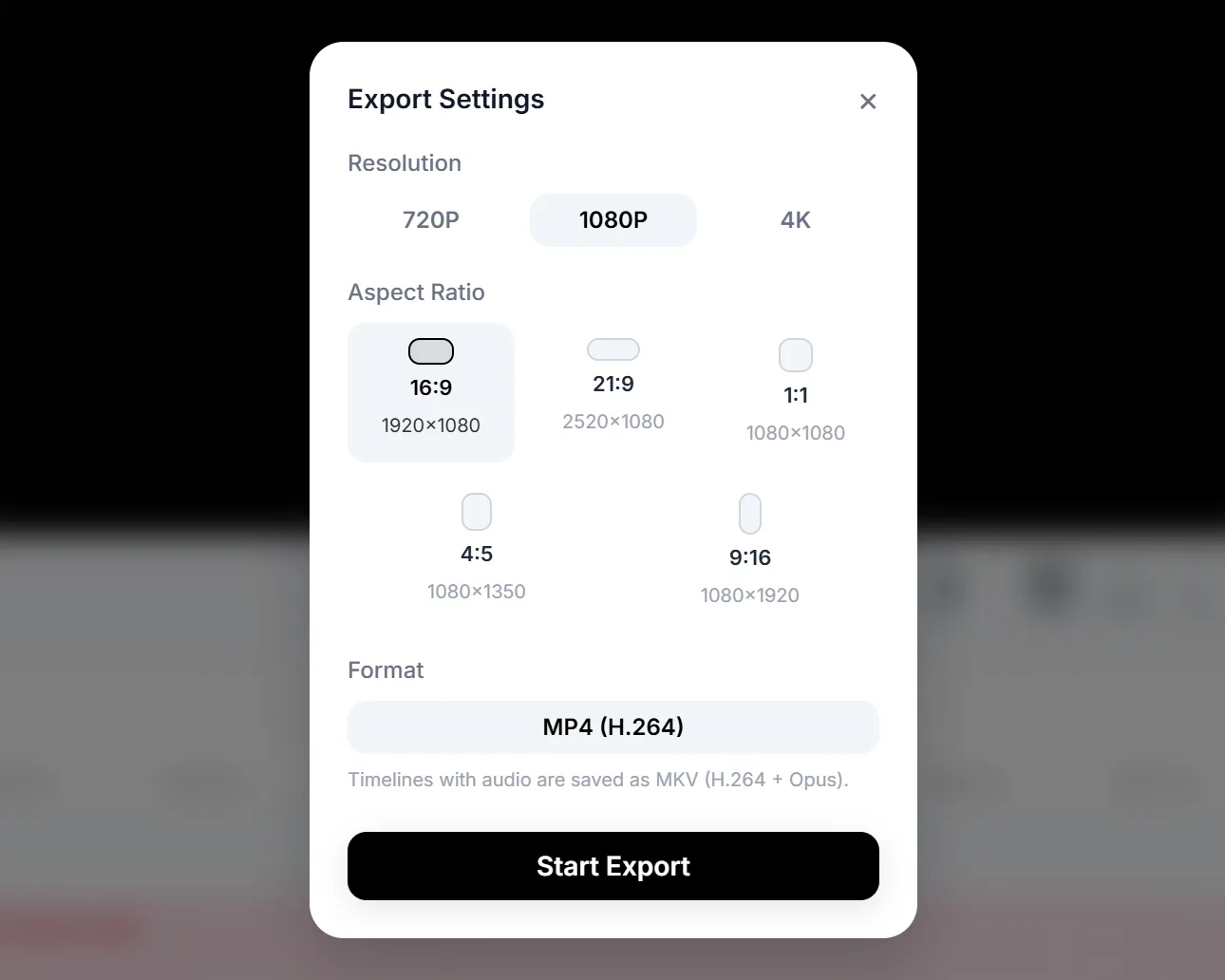
  • Mux in the tab. [mediabunny] assembles encoded video and mixed audio into a real MP4, moov atom, timescales, AAC audio track and all — in memory. Audio is decoded, mixed and re-encoded through the same output.

The result is a finished MP4 that never touched our infrastructure.
What this actually bought us
  • Exports are dramatically faster, because they're hardware-encoded instead of software-emulated. [Insert your measured numbers here — e.g. "a 60-second 1080p timeline went from Xm to Ys."]

  • Export costs us nothing, so it costs you nothing. Credits go to model inference, where the real compute lives.

  • Your media stays on your machine during render. For anyone working on unreleased footage, that's not a nice-to-have.

  • Preview and export share one renderer. Two compositors is two sets of bugs, and users only ever notice the divergence at the worst moment.
What it cost us

Honest accounting, because a post that only lists wins isn't an engineering
post.

Codec support is the browser's, not ours. We support what WebCodecs supports. Exotic source formats that FFmpeg would happily chew through can fail to decode, and we have to detect that and say so clearly rather than dying at 40%.

The user's machine is now our render node. A four-year-old laptop with six other tabs open is a real deployment target. Memory pressure on long 4K timelines is a permanent engineering concern, frame caches, decoder pool sizing and backpressure all had to be tuned rather than assumed.

Nothing survives a closed tab. Server rendering gives you resumability for free. We don't get that, so the pipeline has to be fast enough that nobody wants to walk away mid-export.

Debugging moved into other people's browsers. A render bug that only appears on one GPU driver is a very different investigation from one you can reproduce in CI.

We think the trade is worth it. Rendering locally is the reason Genvi can offer a full video editor without metering the export button and it means the money you spend here goes to generation, not to encoding.
What's Next

We'll go deeper on the compositor: how the video, image, whiteboard and 3D editors ended up sharing one shader pipeline, and the surprisingly stubborn problem of making a text stroke look identical on a canvas preview and in an exported frame.

Thanks for reading. If you want to try the pipeline rather than read about it.