September 6, 2026
Game assets: concept, sprite sheet, mesh
From a character description to a sheet an engine can slice and a mesh you can open in a DCC tool, without leaving the project.
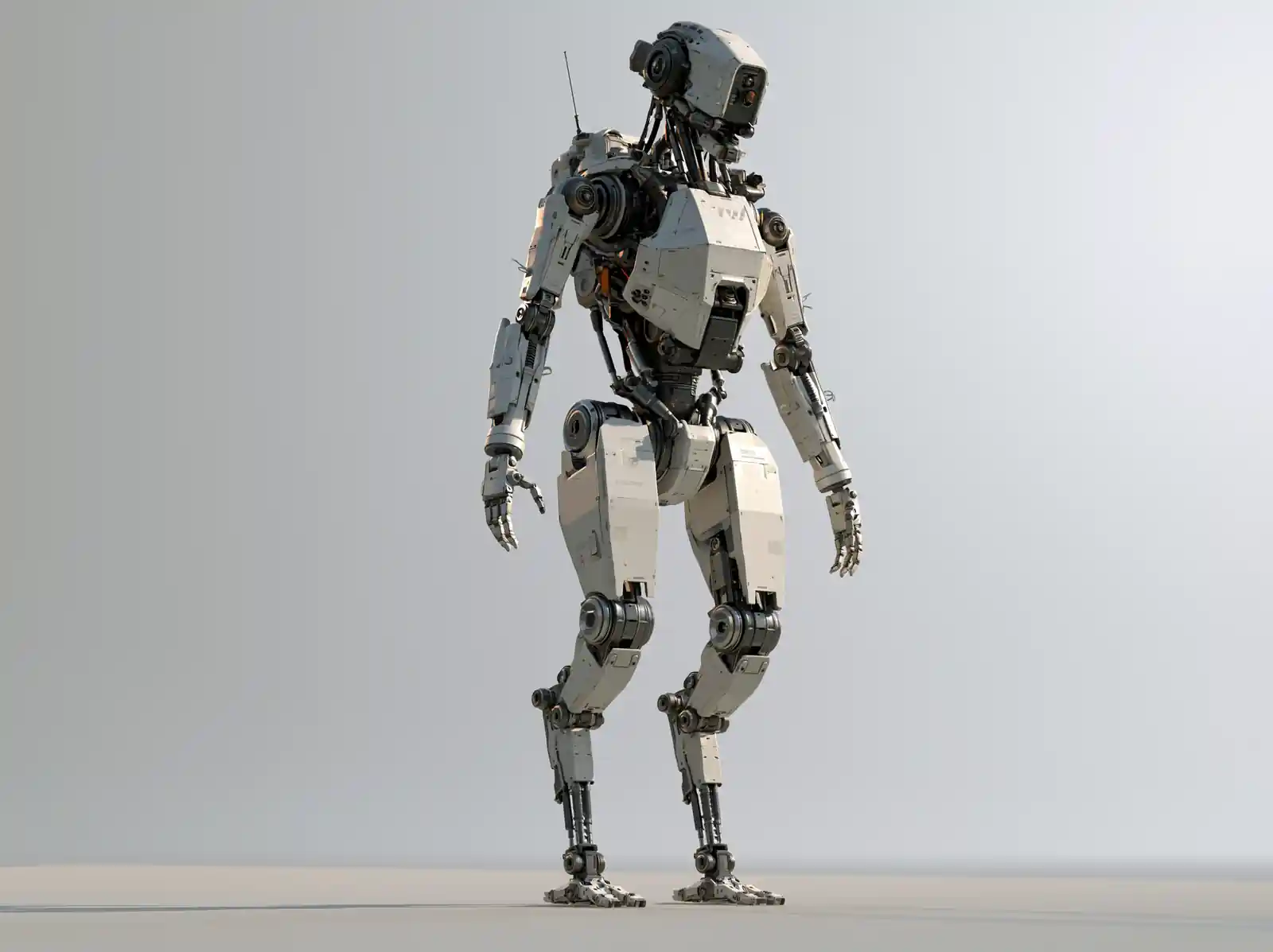
Games need the same asset in several forms: concept art to argue over, a sheet to animate from, and geometry you can actually ship. That's normally three tools and three exports. Here it's three nodes.
1. Agree on the character
Start with a character sheet: a name, a description, and the traits that mustn't drift. What comes back is a multi-view sheet, which is both the thing you show the team and the thing you build your reference from.
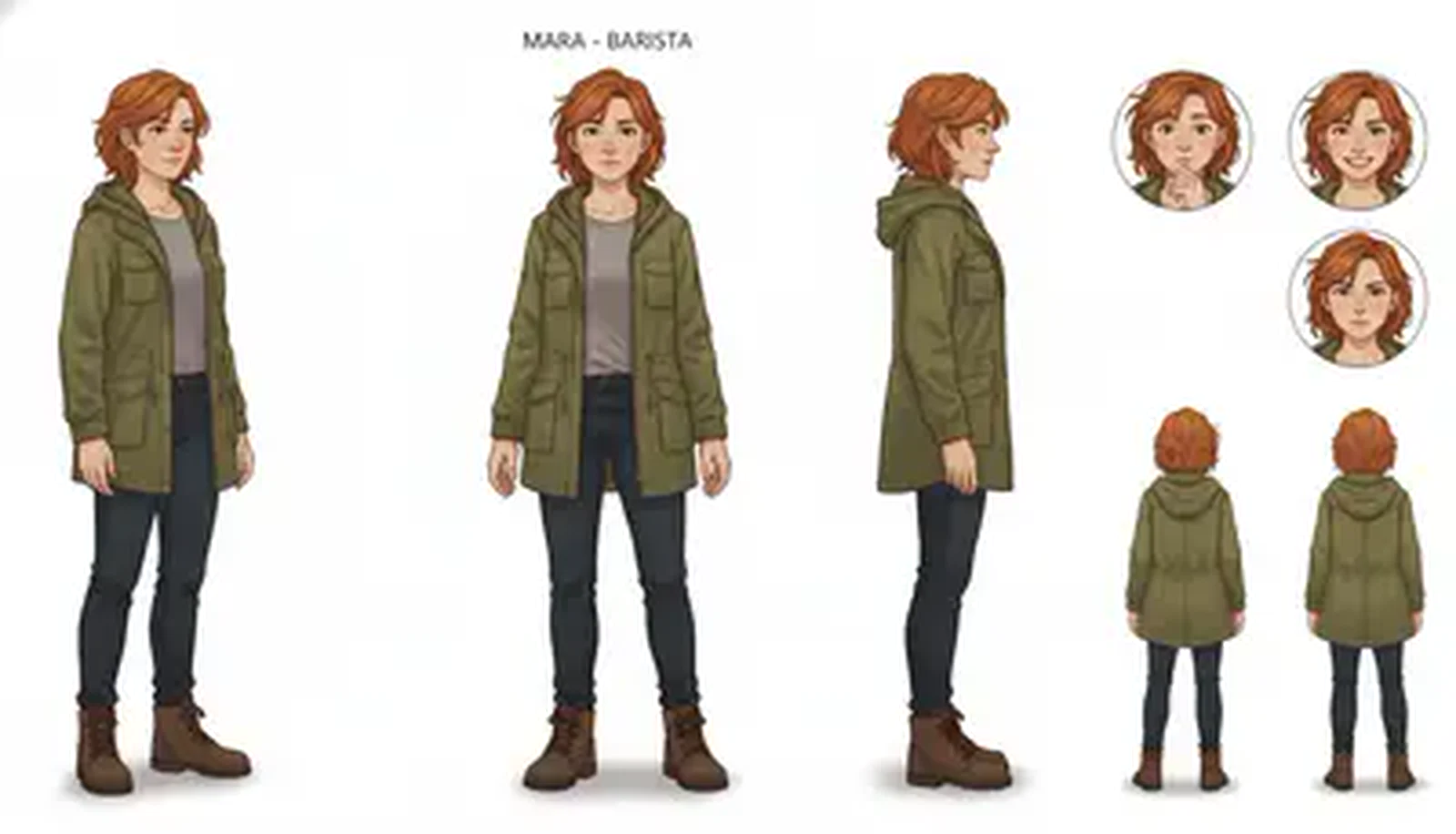
Approve this once and every downstream asset inherits it.
2. Sheet it
Generate the frames you need, the poses, angles and states, then compose them into a sprite sheet with a fixed cell size and padding. That node runs locally and costs nothing, so getting the layout right is free however many attempts it takes.
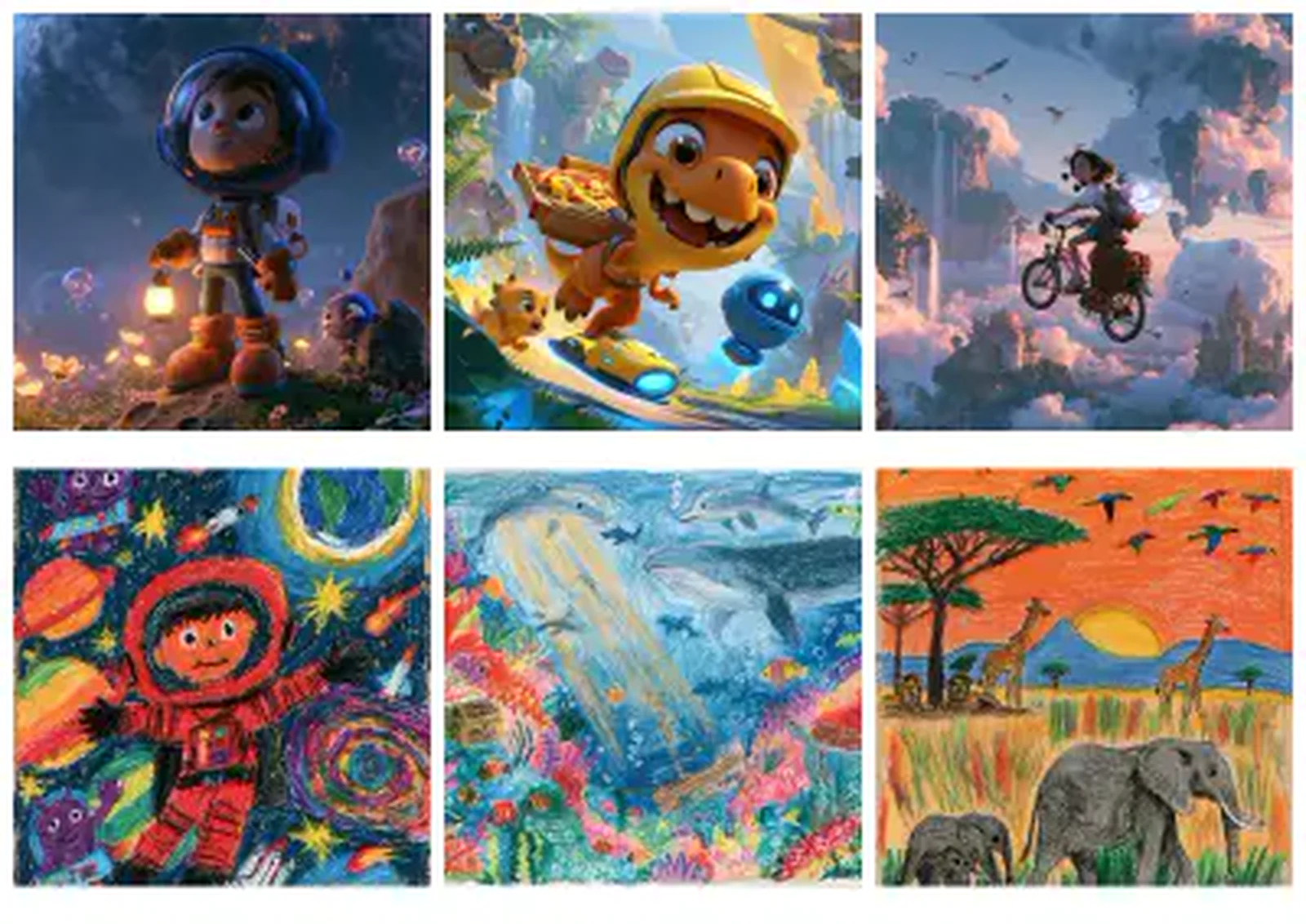
Fixed cell size and padding, so your engine can slice it without anyone measuring by hand.
3. Take it into three dimensions
For assets that need real geometry, generate a mesh and then repair it in 3D Studio. Remesh it down to a polygon count your engine will actually accept. Retexture it, which also makes the extra maps your engine needs to light it. And rig it if it needs a skeleton. Look at it under more than one lighting environment before you sign it off.
Set the polygon budget before you fall in love with the mesh. Remeshing to a target is routine. Finding out afterwards that your hero asset is thirty times over budget is not.
What this doesn't replace
It replaces the blank page and the first three days. It doesn't replace your artists. What you get is a starting point of genuine quality that a person then makes correct, and that gap is the difference between a tool and a promise.