September 5, 2026
A music video, cut to the beat
The track is the edit. How to build a performance video where the cuts are decided by the music and not by how long each clip happened to render.
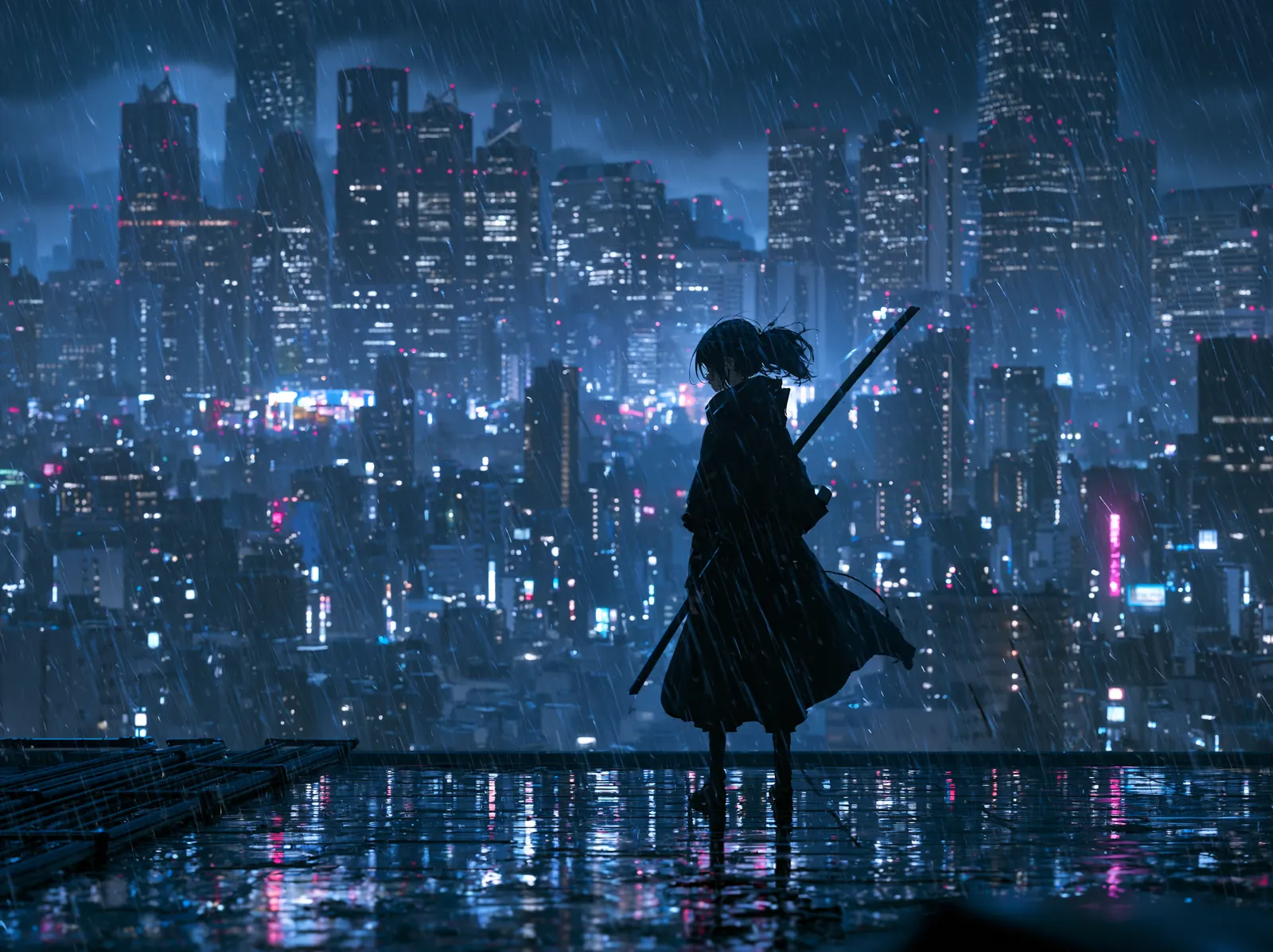
Music video is the friendliest format for generative work, because the audience already accepts discontinuity. Cuts can be hard, looks can shift, and none of it reads as a mistake. The one thing it won't forgive is cutting off the beat.
Start with the track, not the images
Put the audio on the timeline first, before a single frame exists. How many shots you need, how long each one runs, where the look changes: the song answers all of it. Nothing gets imposed on the track afterwards.
Lock the performer before anything else
If a figure comes back more than once, put them in the Reference Library before you generate shot one. A performer whose face changes between verses is the single flaw a music-video audience will notice.
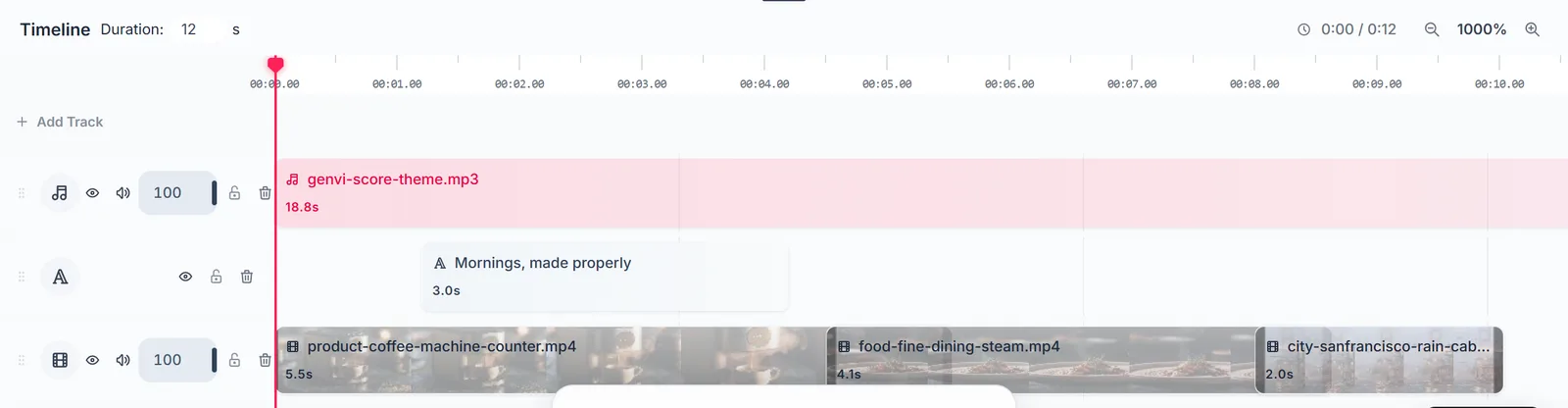
The audio track goes down first. Every trim after that gets made against it.
Generate in looks, not in shots
Group your shots by treatment: three in the rain, three in the neon interior, three abstract. Generate each group from one shared art-direction node. Cutting between three coherent looks reads as direction. Cutting between nine unrelated ones reads as an accident.
Then cut short
- Two to four seconds a shot. Generated motion gets worse the longer it runs, and fast cutting hides that.
- Trim on the beat, not on the clip boundary. Trimming is non-destructive, so your media never gets hurt.
- Repeat shots on purpose. A returning image on a returning chorus is structure, not laziness.
A trick worth knowing: generate more shots than you need in each look, then throw half of them away. Selection is cheaper than direction, and the ones you bin only cost you credits, not a shoot day.